2-30 Operating Your Tablet Computer
Path Logger Mode
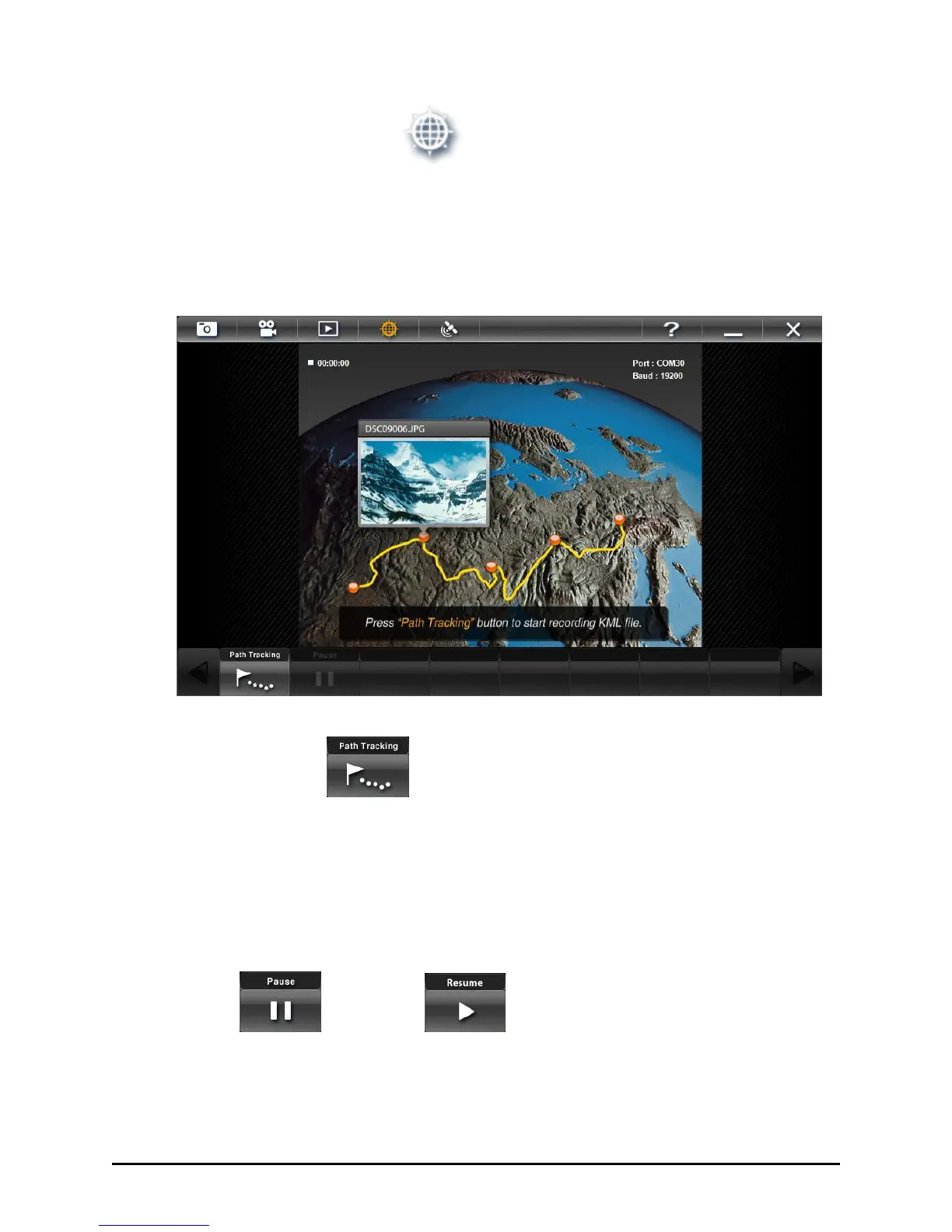
Path Logger mode allows you to start logging (interval of 6 seconds) the
GPS data and the photo with position information and track as a path.
After it stops tracking, it will output as KML file. You can view the path
with photophotos in Google Earth
TM
.
Start Tracking
Tap this button to start recording the path and photo. Tap this button
again to stop tracking and build the KML file automatically. All path log
and photos from the period will be saved in one folder.
If the data is invalid, the KML file will not be built. Check the GPS
connection status and signal strength before starting this function.
Pause / Resume
Tap this button to stop tracking and timer count temporarily. Tap the
Resume button to continue tracking and timer count.



 To Next Page