Operating Your Tablet Computer 2-31
GPS Settings
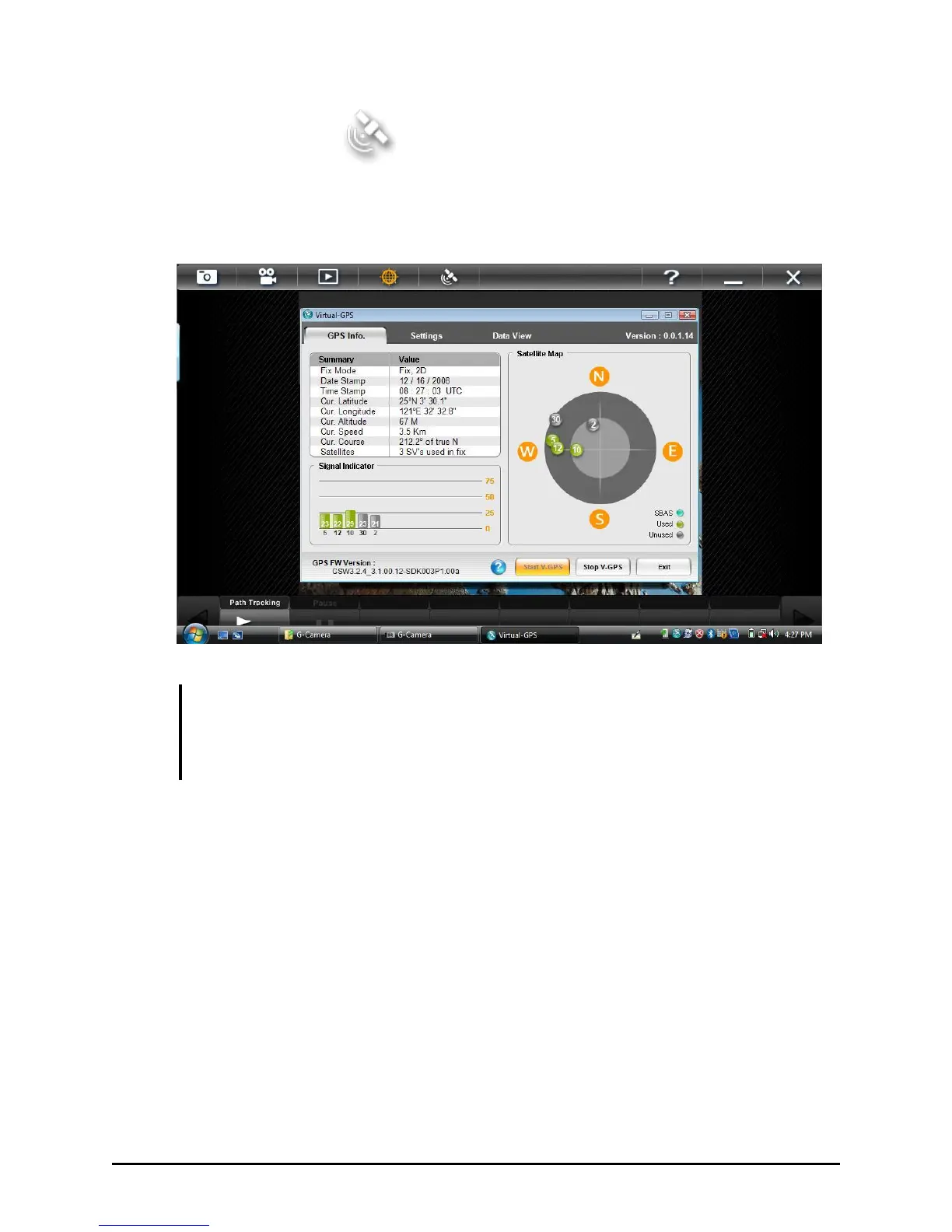
Upon tapping the GPS Settings button, the Virtual-GPS utility screen
appears.
NOTE: If the Virtual-GPS utility is removed or not detected, a warning message:
“Virtual-GPS program was not detected. Check if Virtual-GPS program was installed
properly” appears. If the “Stop V-GPS” button has been pushed the application will not
“see” a COM Port and you will have to restart Virtual-GPS to reopen the port.
To return to using the G-Camera application, you can tap anywhere on
the G-camera application, or you can minimize or exit the Virtual-GPS
application.



 To Next Page