4-4 Using BIOS Setup and System Utility
Using ExpressCards
NOTE: The ExpressCard interface is not compatible with the PC card interface. You
need optional adapters for using PC cards on your tablet computer.
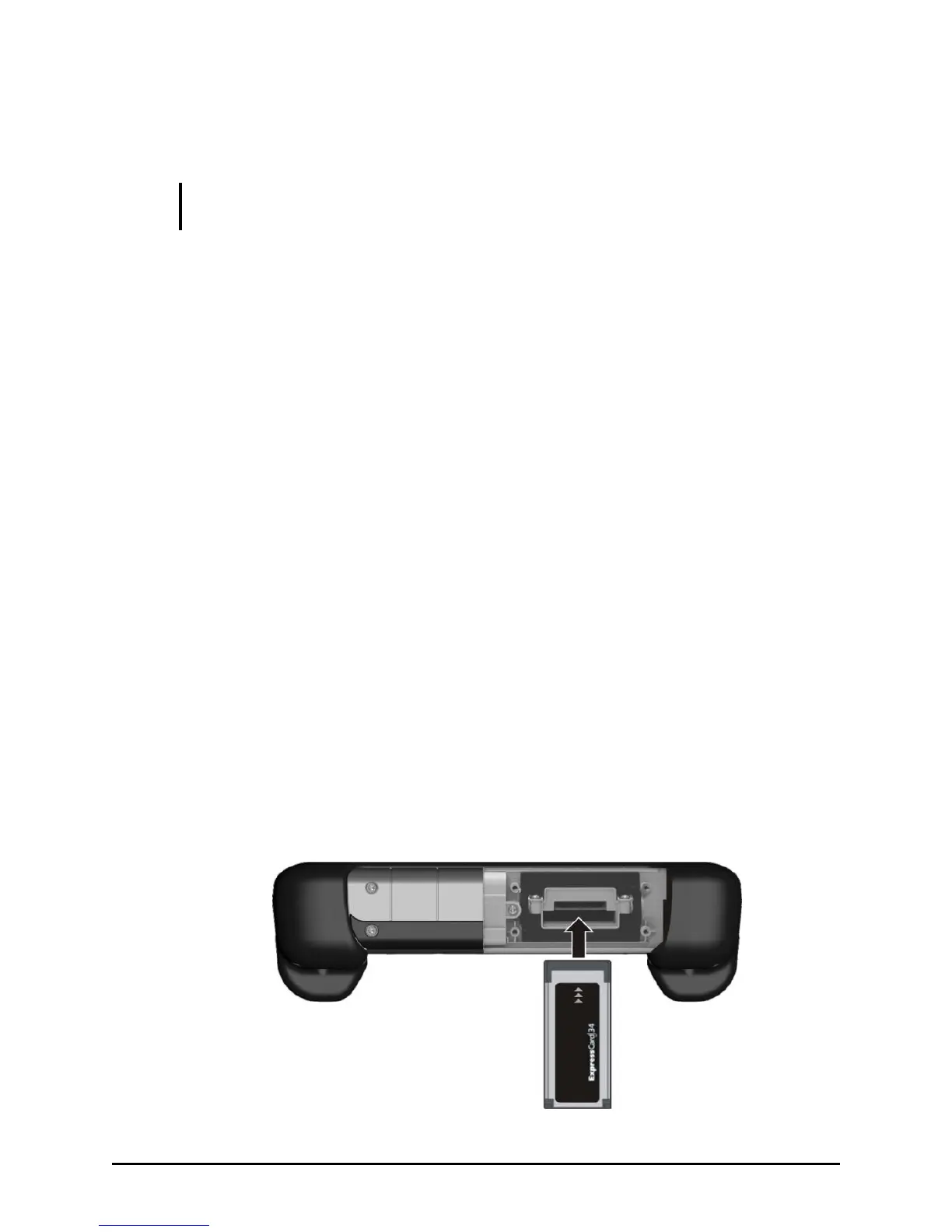
Your tablet computer has an ExpressCard slot.
ExpressCard supports the PCI Express and USB 2.0 serial data interfaces
(supporting speeds of up to 2.5 Gbps and 480 Mbps respectively),
improving speed in data transfer while conserving power usage.
ExpressCard Type
The ExpressCard slot can accommodate a 34 mm (ExpressCard/34) wide
ExpressCard. Typical ExpressCards support a very extensive range of
applications including memory, wired and wireless communication
cards, and security devices.
Inserting and Removing an ExpressCard
To insert an ExpressCard:
1. Remove the four screws securing the compartment cover.
2. Locate the ExpressCard slot on the tablet computer.
3. Slide the ExpressCard, with its label facing up, all the way into the
slot until the rear connectors click into place.


 To Next Page
 Loading...