Using BIOS Setup and System Utility 4-3
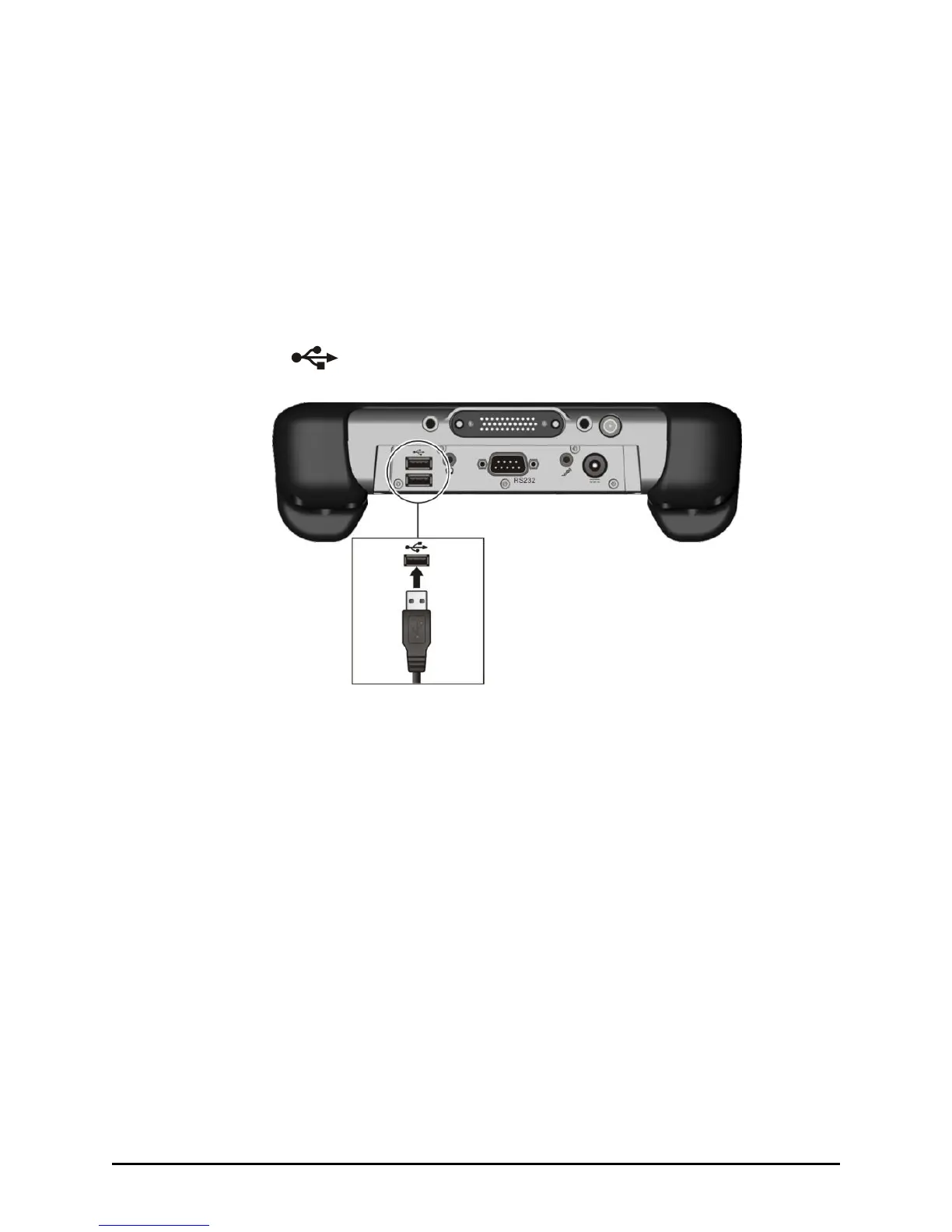
Connecting a USB Device
Your tablet computer has two USB ports for connecting USB devices,
such as a digital camera, scanner, printer, modem, and mouse.
The USB ports support transfer rates up to 12 Mbps for USB 1.1 devices
and 480 Mbps for USB 2.0 devices.
To connect a USB device, simply plug the device cable into one of the
USB ports ( ).



 To Next Page