Using BIOS Setup and System Utility 5-9
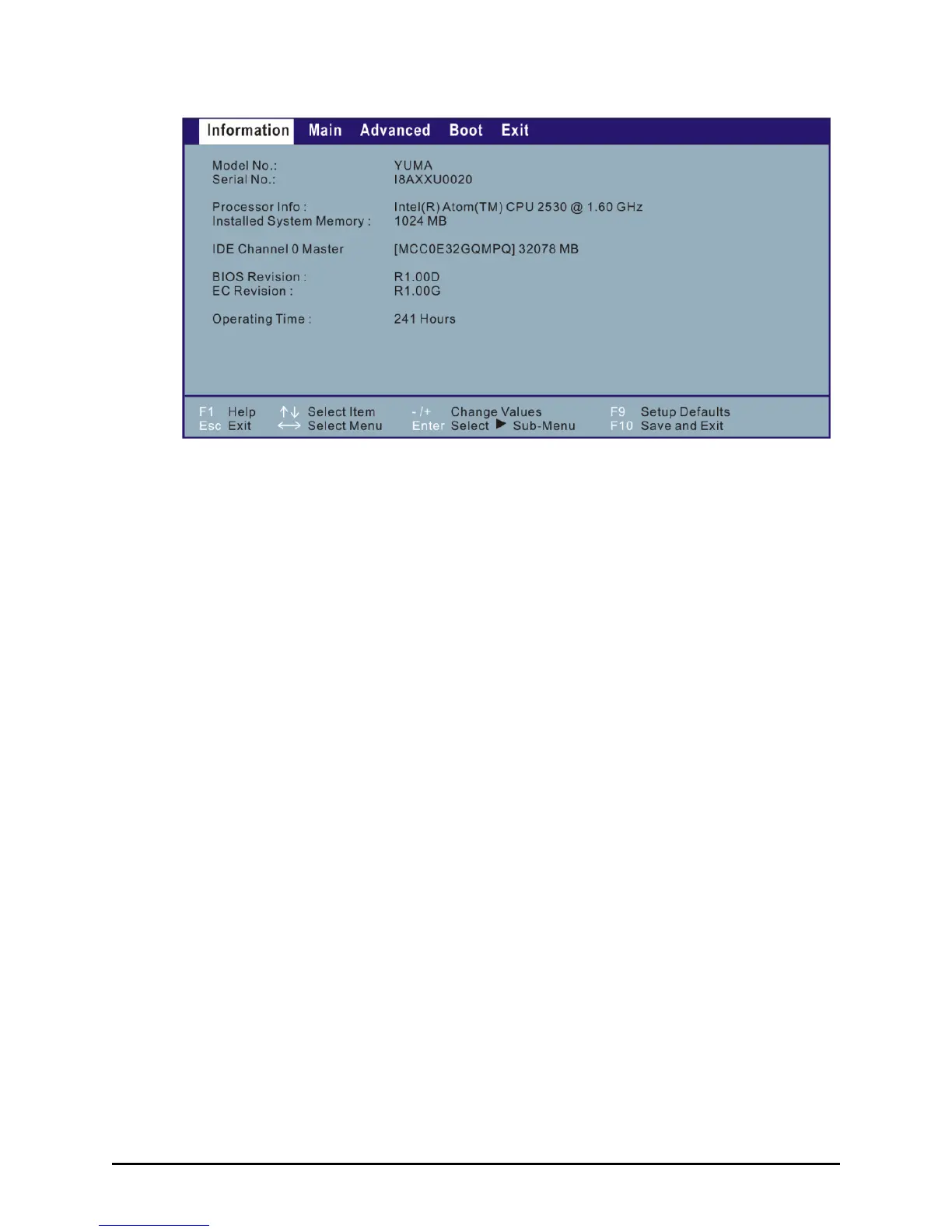
The BIOS Setup Utility screen can be divided into four areas:
On the top is the menu bar containing the titles of the available
menus. Each menu title brings a specific menu.
The left column of the menu displays the menu items.
The top-right of the menu provides more detailed information when a
menu item is highlighted.
The bottom of the menu provides keyboard instructions for moving
around and making selections.



 To Next Page