Using BIOS Setup and System Utility 5-13
Advanced Menu
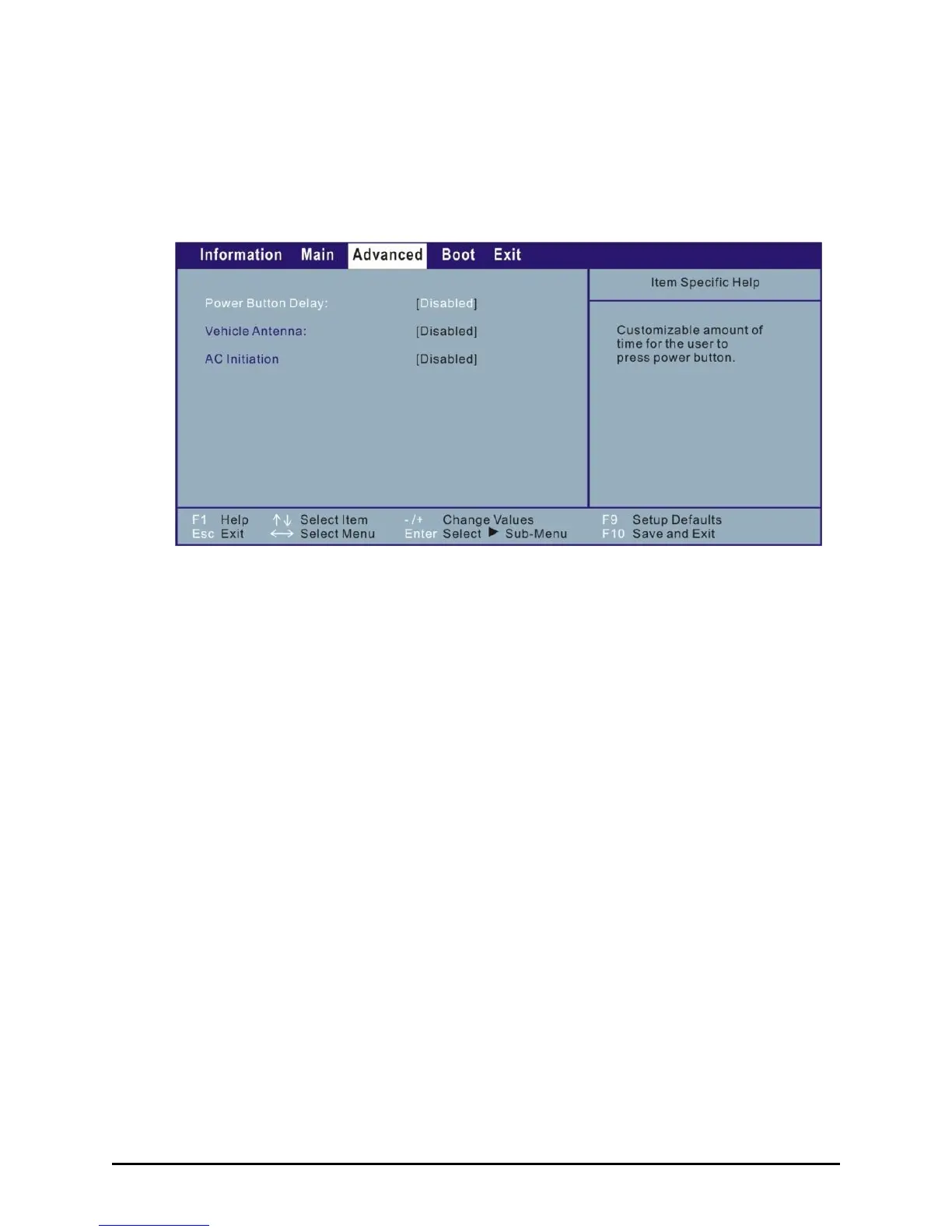
The Advanced menu contains various system settings.
Power Button Delay allows you to set the amount of time to press power
button before turning off the tablet computer. When set at Disabled the
tablet computer will turn off immediately upon pressing the power
button.
Vehicle Antenna allows you to switch to using the external antenna
when your tablet computer is attached to the active vehicle dock.
AC Initiation determines if connecting AC power will let your computer
automatically start up or resume from Sleep/Hibernation mode.



 To Next Page