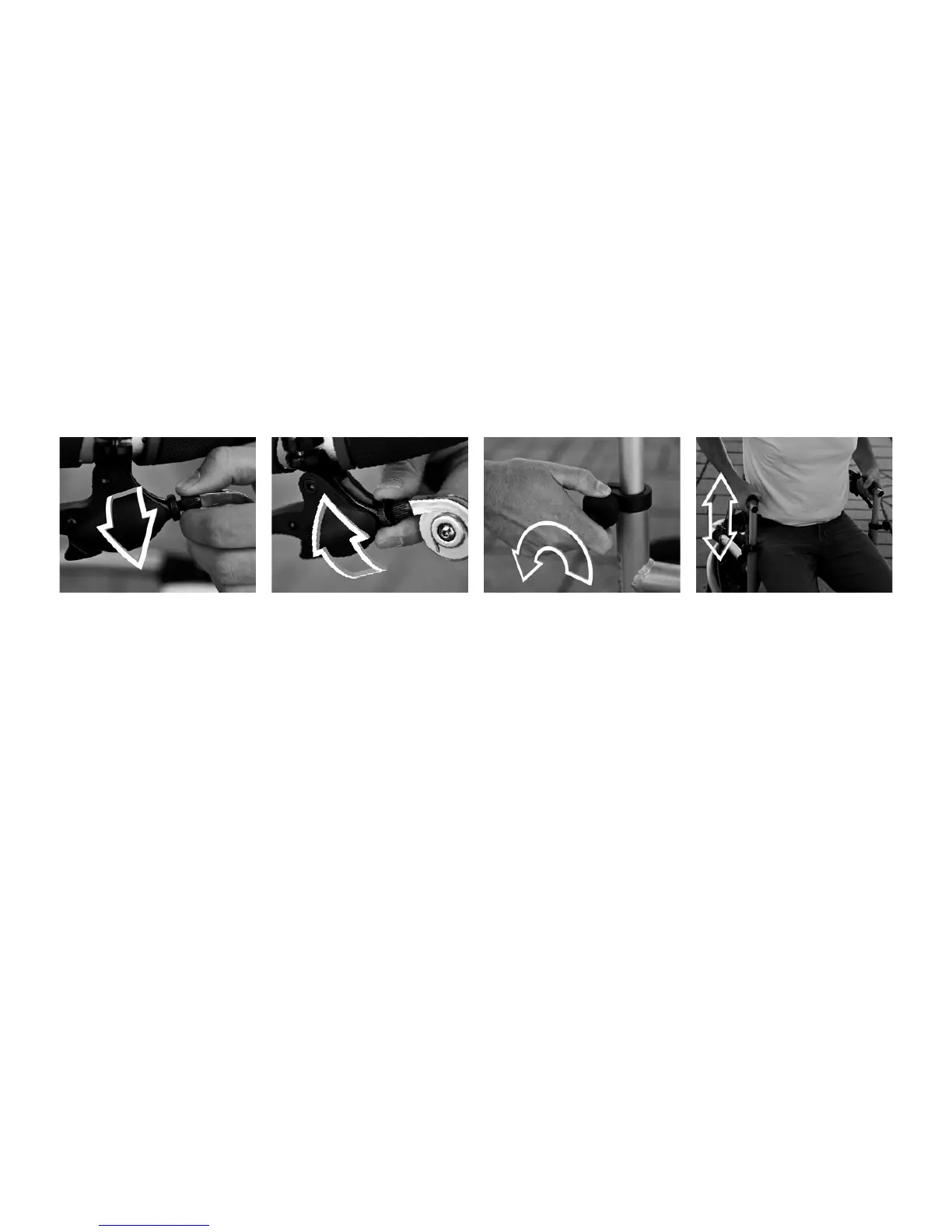
1. If the brake functions poorly,
loosen the adjustment screw
on each brake lever (counter-
clockwise) and lock it by screw-
ing the lock-nut towards the
handle (clockwise).
Contact your health care tech-
nician or the person respon-
sible for servicing your Tri-
onic Walker if the brakes still
function poorly.
1. Release both turning knobs
by unscrewing them counter-
clockwise.
2. Adjust the handlebar to
the required height, the most
adequate being the distance
from the wrist to the ground
when standing with the arms
hanging freely. Use help to
measure!
NOTE: e easiest way to
adjust the handlebar is sitting
on the rollator’s seat; this way
you can see the number mark-
ings clearly thus simplifying
height adjustment.
Brake Adjustment Handlebar Adjustment



 To Next Page