e Trionic Walker has a front
wheel suspension with capac-
ity to overcome obstacles up
to 13 cm high. e wheel has
two dierent adjustments:
one to use in irregular terrain
and one for city environments.
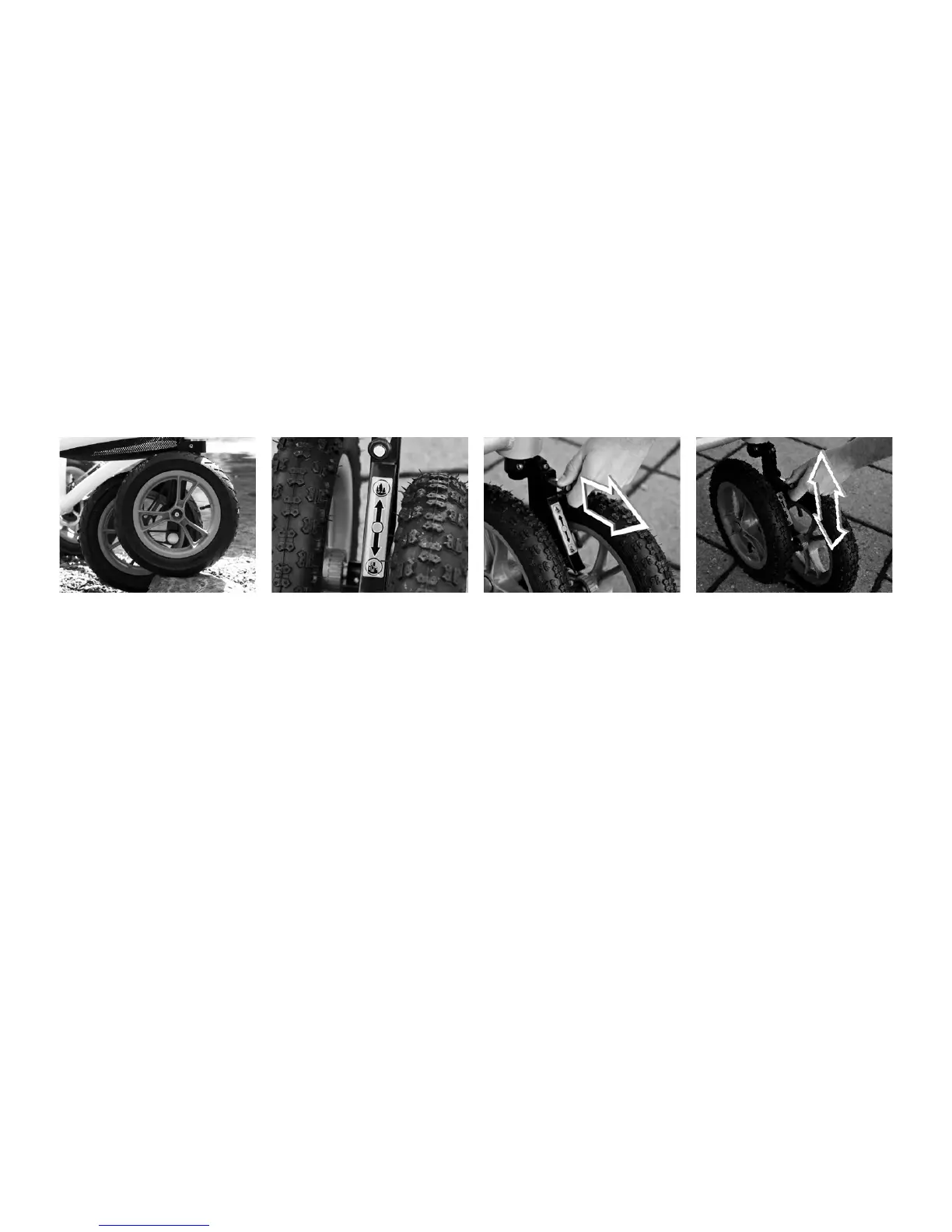
ere is an adjustment handle
on the front wheel, placed in
the middle, that can be shifted
between these two settings.
1. Turn the front wheel for
easier access to the adjust-
ment handle. Lift the frame’s
front end. Pull the adjustment
handle outwards to adjust the
wheel and slide the adjustor
to the desired position, either
upwards or downwards to its
end position.
2. Release the adjustment han-
dle when you have obtained
the desired position.
Irregular terrain/Upper position:
Increased climbing capacity,
suspension on uneven surfaces
Change Front Wheel Setting
and a higher directional stabil-
ity. It’s more dicult to steer
but has better characteristics
for oroad use.
City Environment/Lower posi-
tion: Easy turning with kept
climbing capacity.



 To Next Page
 Loading...