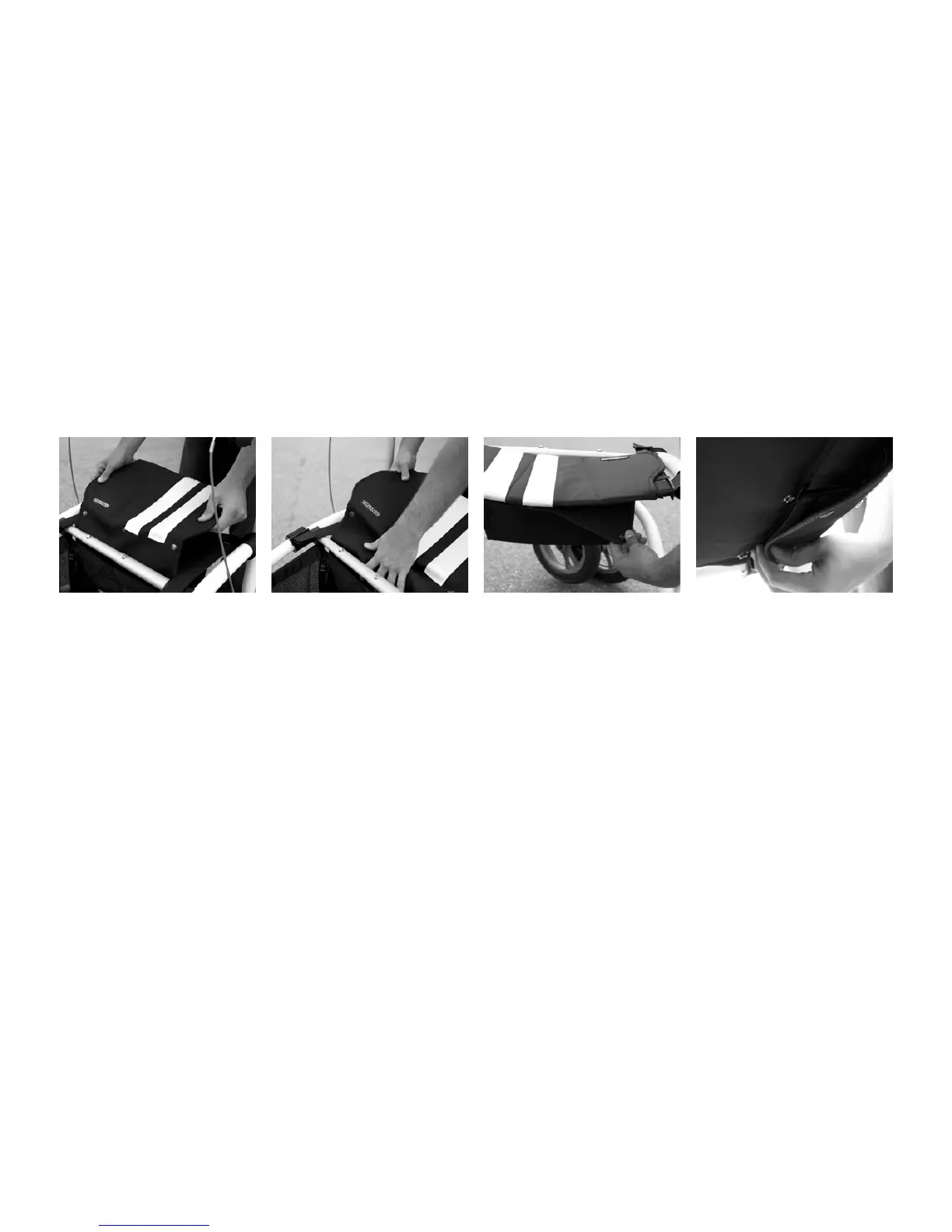
e Walker’s sliding seat is
comprised of a seat base and
a removable cover xed with
nine push buttons.
1. Hold the cover with the text
Trionic to the right. Wrap the
long ap between the telesco-
pic stay and the seat base.
2. Attach the three front push-
buttons of the long ap to the
seat base.
Removing/Installing the Seat
3. Press the three push buttons
on the short ap onto the seat
base.
4. Finally, press the three last
push buttons of the long ap
onto the short ap.



 To Next Page