Step 2
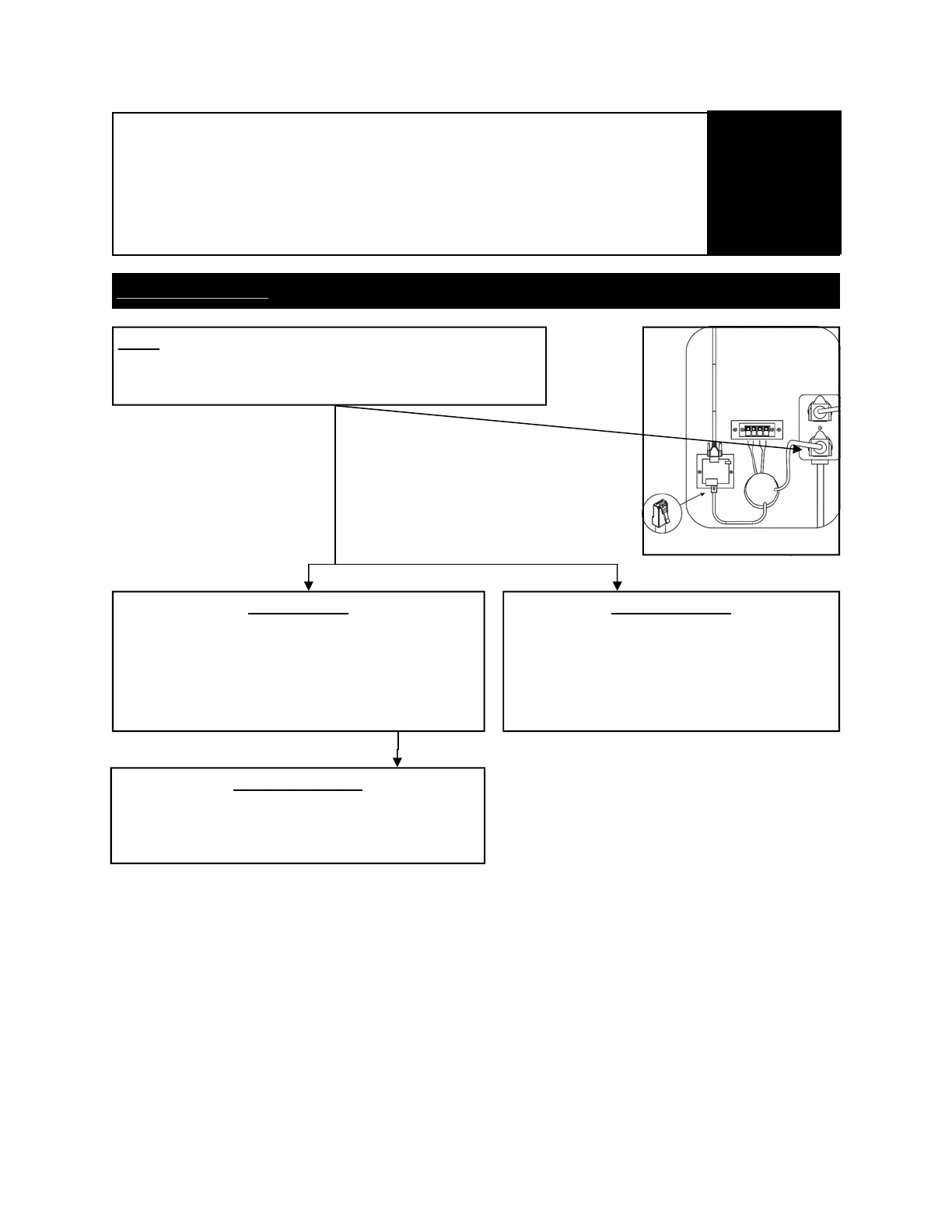
-Open service door on bottom left in back of the game.
-Look inside and test Power on Power Outlet
There is Power
-Remove seat assembly
-Connect another Power cord to Control Box (IF
EQUIPPED WITH CONTROL BOX)
-Restart computer
There is no power
-Open Outlet and repair connections.
There is Movement
-Replace Power Cord(s)
Not Responding
Diagnostic screen and error codes
Continued
Troubleshooting
22


 To Next Page