EasyManua.ls Logo

Triton T20 CH - User Manual

Triton T20 CH
88 pages
Print Icon
To Next Page IconTo Next Page
Loading...
tritontools.com
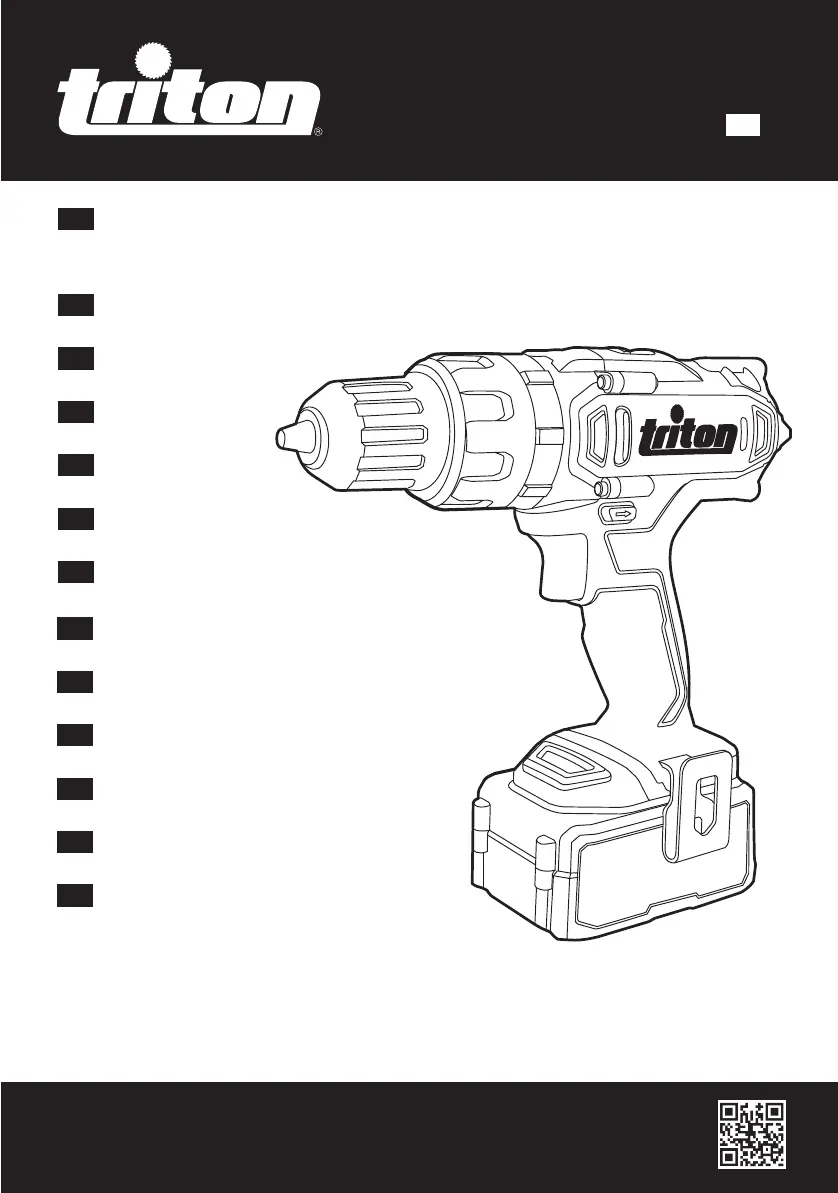
T20 CH
20V Combi Hammer Drill
Operating and
Safety Instructions
Bedienings- en
veiligheidsvoorschriften
Instruções de
Operação e Segurança
Instructions d’utilisation
et consignes de sécurité
Gebrauchs- und
Sicherheitsanweisung
Istruzioni per l’uso
e la sicurezza
Instrucciones de
uso y de seguridad
GB
D
NL
PT
I
F
ESP
Instrukcja obsługi
i bezpieczestwa
Инструкции по эксплуатации и
правила техники безопасности
Kezelési és
biztonsági utasítások
Provozní a
bezpečnostní pokyny
Prevádzkové a bezpečnostné
pokyny
Çalıma ve
Güvenlik Talimatları
RU
HU
PL
CZ
SK
TR
100901_Z1MANPRO1.indd 2 25/09/2014 17:05

Questions and Answers

  • D
    Daniel HuynhAug 7, 2025
    What to do if my Triton T20 CH Drill does not start?
    • T
      Tamara SchwartzAug 8, 2025
      If your Triton Drill doesn't start when you depress the on/off trigger switch, it could be due to a completely discharged or defective battery. Try recharging the battery or replacing it with a fully charged one. If the issue persists, the machine itself may be defective, and you should contact your Triton dealer.
  • E
    Edward BurtonAug 11, 2025
    Why are screws going too deep with my Triton T20 CH?
    • M
      Megan HayesAug 11, 2025
      If screws are being driven too deep into the workpiece surface when using your Triton Drill, it could be because the torque clutch setting is too high. Try choosing a lower torque setting. Also, an unsuitable or blunt drill bit can cause this issue, so replace it with a new, high-quality masonry drill bit. Finally, ensure the drill bit isn't too large by checking the ‘Specifications’ for maximum drilling capacities.
  • M
    mariah07Aug 16, 2025
    How to fix screws not going deep enough with Triton Drill?
    • J
      Jennifer ClaytonAug 16, 2025
      If screws don't reach deep enough into the workpiece with your Triton Drill, it may be due to insufficient torque. Try choosing a higher torque setting. Alternatively, the battery voltage might be low, so recharge the battery or replace it with a fully charged one.
  • J
    Jeffrey HarrellAug 20, 2025
    Why is my Triton T20 CH Drill not charging?
    • S
      Suzanne WilliamsAug 20, 2025
      If the red charging LED does not illuminate and the battery isn't charging on your Triton Drill, it might be because the battery is not fully seated. Try cleaning the battery socket of the charger. Also, the charger may not be powered, so recheck the mains connection.
  • S
    simmonsrobertoAug 25, 2025
    How to unlock the Triton Drill trigger switch?
    • J
      Jeff WhiteAug 25, 2025
      If you can't switch on your Triton Drill because the trigger switch does not move, the forward/reverse switch may be in the middle (‘locked’) position. Slide the forward/reverse switch either to the left or right to resolve this.
  • S
    Sharon HigginsAug 28, 2025
    Why does my Triton T20 CH Drill battery have low capacity?
    • N
      Nicole GreenAug 28, 2025
      If your Triton Drill's battery pack has low capacity, it could be because the battery is not being fully charged. Ensure you charge the battery until the charger indicates a full charge. It's also normal for batteries to reduce capacity after being charged over 100 times; in this case, contact your Triton dealer to purchase a replacement battery.
  • J
    Jesus ThorntonSep 2, 2025
    How to set Triton T20 CH Drill to hammer mode?
    • J
      Jeremy DaySep 2, 2025
      To set your Triton Drill to hammer mode, rotate the mode selector to switch the machine into hammer drill mode.

Triton T20 CH Specifications

General IconGeneral
BrandTriton
ModelT20 CH
CategoryDrill
LanguageEnglish