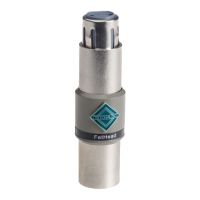
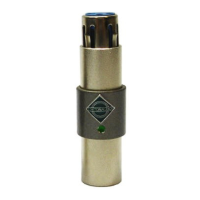
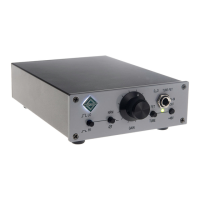
Features:
• Low noise / low esr power supply
• Switchable transfomer ratio / input impedance
• Selectable all Fet or Tube-Fet circuit
• Stepped attenuator
• Lundahl 1571 input transformer
• Low impedance jFet buffer with superb sonic properties
• phase reverse switch
• phantom power
Specifications:
• Gain: Tube-Fet mode: 60 dB
• Gain Fet mode: 70 dB
• EIN: -128dB
• Headroom: 32 dB
• Input impedance: 2,25KOhm / 6,25KOhm
• Output impedance: 100Ohm
• Power: 24V AC
• input: XLR
• output: XLR(pin 2 hot) + 1/4" TRS
How to connect D
2
O:
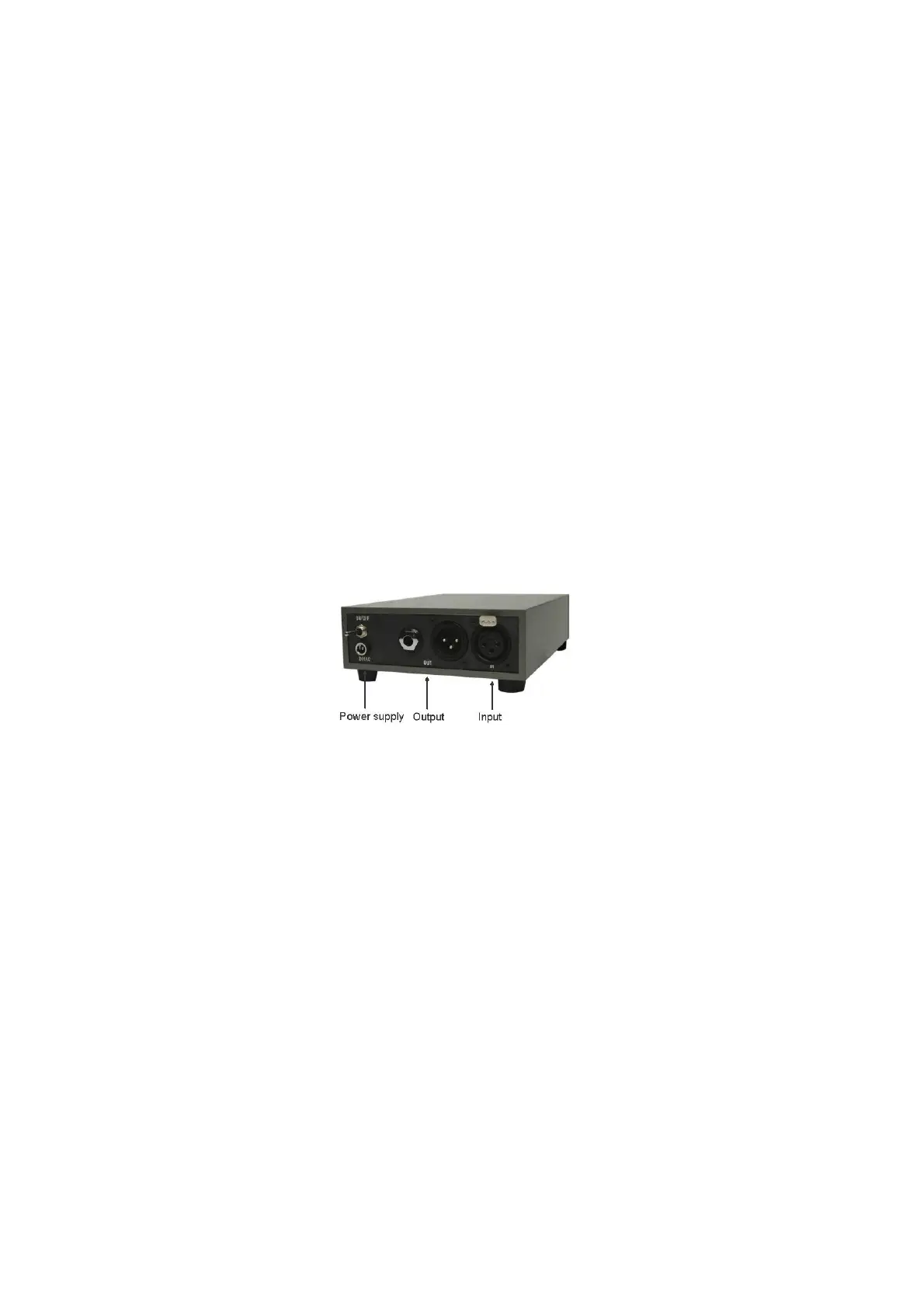
Power supply: Input for the supplied 24VAC PSU.
Input: XLR connects with signal source.
Output: XLR or 1/4” TRS, connects with mixer, DAW or recorder.
How to use D
2
O:
To avoid unwanted noises please consider the following rules of use:
Switch off phantom power before disconneting the microphone.
Turn down the gain before switching on phantom power or changing the feedback
ratio switch position.
When connecting D
2
O to a channel/device with phantom power, make sure
phantom power is turned off on the recieving channel./device.
When using D
2
O's balanced output, add +6dB gain on the receiving channel when
this is not servo-symmetrical, this enables optimal headroom.
Finally, we wish you lots of fun and fruitfull recording sessions!
Team TritonAudio.
©TritonAudio 2013


 To Previous Page