Need help?
Do you have a question about the Trixie TX6 and is the answer not in the manual?
Instructions for installing batteries into the device, including unlocking the cover and inserting new batteries.
Steps to turn the device on, set the current time, and confirm settings with a beep.
Guide to selecting a meal (Breakfast, Lunch, Dinner) and initiating meal setting mode.
Instructions on setting the specific hour and minutes for each programmed meal.
How to set the meal size using arrow buttons, choosing 1, 2, or 3 food units (cavities).
Process to repeat programming for additional meals and confirm final settings with a double beep.
Diagnosing and resolving issues such as display not lighting up, time flashing, or red LED errors.
Important precautions for safe use, including packaging disposal, indoor use, and supervision.
Instructions on how to remove batteries by pulling small levers and opening battery compartments.
 General
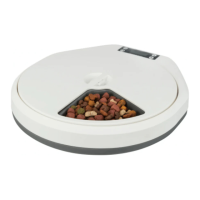
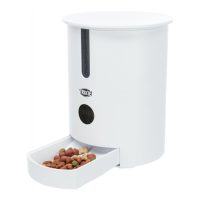
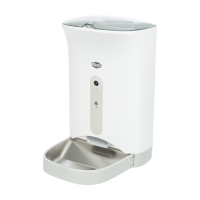
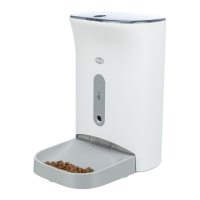
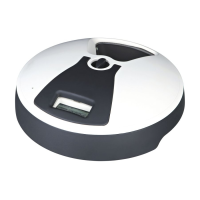
| Product Type | Automatic Pet Feeder |
|---|---|
| Timer | Yes |
| Material | Plastic |
| Color | White |
| Recommended for | Cats and small dogs |
| Features | Portion control, voice recording |
| Programmable | Yes |

 To Next Page