*Note: There is no built-in wifi on the TCS-1. Contact TrolMaster Tech Support for options related to using a
wifi connection as most commercially available wifi range extenders (with Ethernet ports) are NOT
compatible with TrolMaster controllers.
06
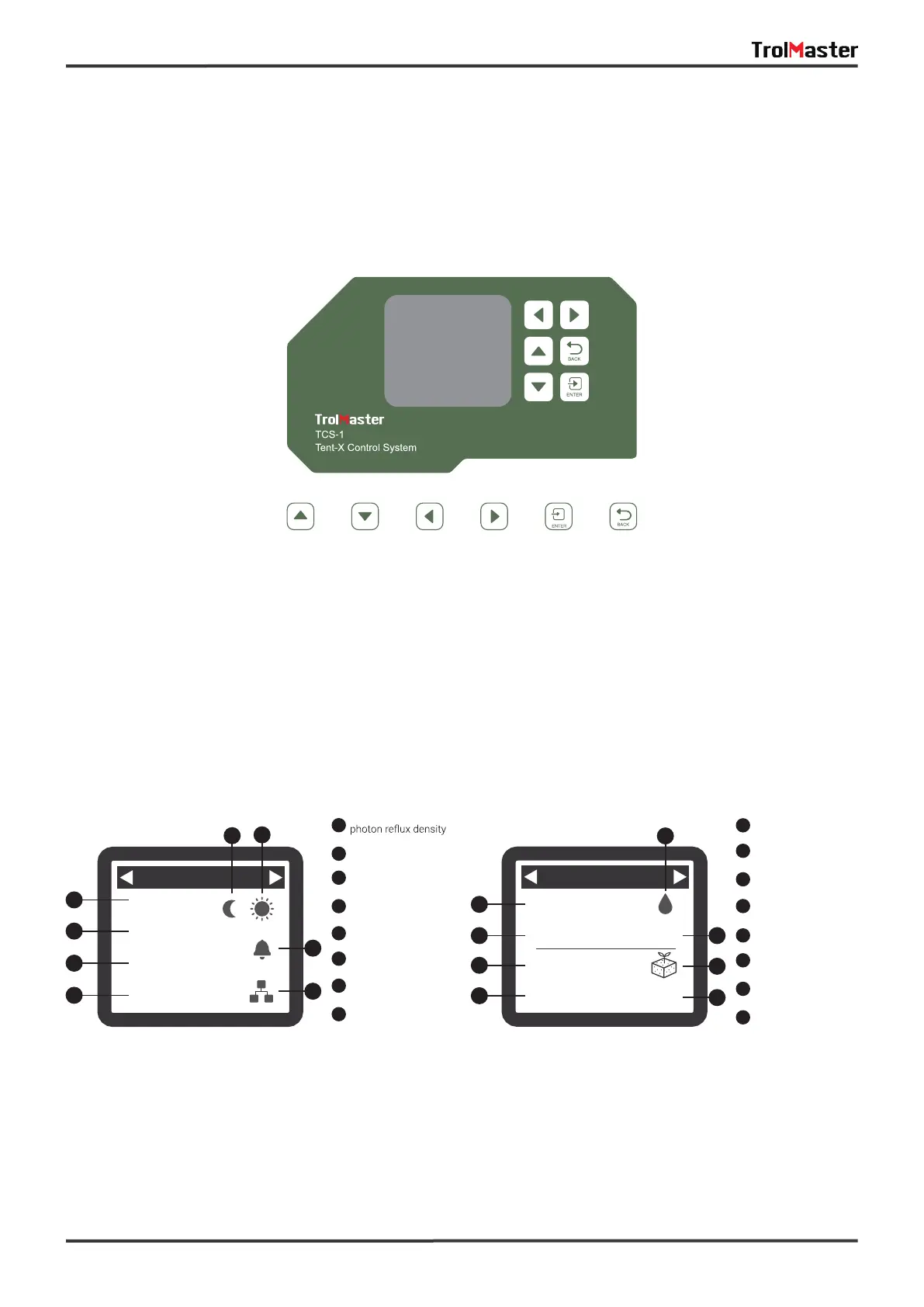
When you plug in the Tent-X for the first time, you will land on the homepage on the LCD display. This is
where the sensor data for the grow tent is displayed. Press the “LEFT” and “RIGHT” arrows to switch
between the climate parameter data, the nutrients and grow medium monitoring data, the device status
page, and the alarm notification page. Each page provides specific information about the Tent-X. The Tent-X
will constantly monitor your climate, and nutrients and grow medium data in real-time:
Main Interface
The alarm notification page is where all of your alarm notifications are consolidated. This is where you can
check up on missed alarm notifications, and adjust your set-up accordingly.
Alarm Notifications
4
1
5
2
6
3
7
8
Temperature
Humidity
Parts Per Million
Photosynthetic
Alarm activated
Internet
connected
Night mode
Day mode
02/06 09:30
83.4 F
74.8 %
1200 PPM
800 PPFD
1
2
3
7
8
4
6
5
12
13
10
14
11
15
9
16
Reservoir pH
level
Reservoir Electrical
Conductivity
Reservoir
temperature
Reservoir
Grow Medium
Medium
Electrical Conductivity
Medium
temperature
Medium Water
Content
02/06 09:30
1.36 mS/cm
3.17 mS/cm
73.0 F 7.94 pH
57.4 F 65 %
10
11
14
15
12
16
13
9
UP DOWN LEFT RIGHT ENTER BACK



 To Next Page