Be sure to ask your doctor or pharmacist if you have
any medical questions. There is a possibility that
some plants could cause allergic reactions. In this
event, it is recommended to immediately stop the
use of such plant material.
We only recommend the use of plant material of
verified quality. Genuineness, purity, and absence of
pathogenic germs are verified for plant material
according to pharmacopoeial standards, as
described in the European Pharmacopoeia or the
United States Pharmacopoeia, which can be
purchased in pharmacies.
We strongly recommend following the instructions
given with the MILATRON™ in order to set your
inhaler to be used with your plant material efficiently
and according to your personal preference. The
MILATRON™ is not FDA approved.
How to Use
Power Up
To charge your MILATRON™, plug the included USB-C
Cable into the USB-C Port and plug the other end into a
wall adapter or computer. The charging icon appears on
the OLED Display during charging. Once the charging
icon on the OLED Display shows a full battery, the
device is fully charged, unplug the USB-C Cable and
resume use.
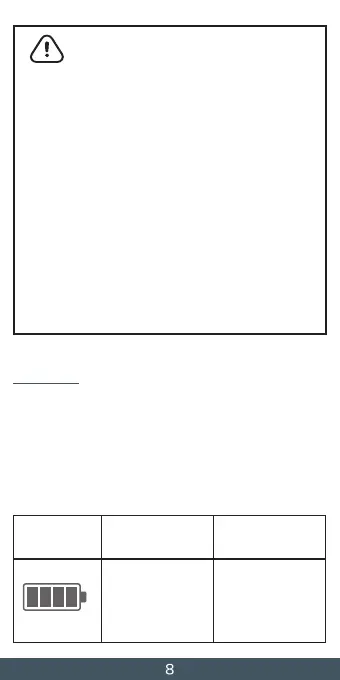
IconBattery LevelBattery
Percentage
Full battery
If the device is still
plugged in it is time
to unplug.
100%


 To Next Page