EasyManua.ls Logo

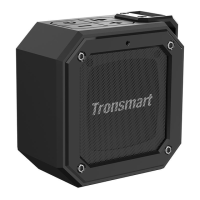
Tronsmart Element Groove - User Manual

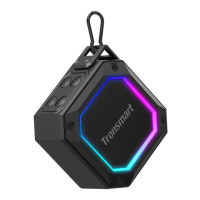
Tronsmart Element Groove
38 pages
Print Icon
To Next Page IconTo Next Page
Loading...
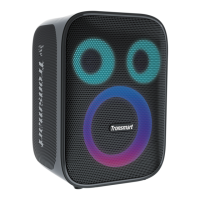
Tronsmart Element Groove
Wireless Speaker
User manual
Question and Answer IconNeed help?

Do you have a question about the Tronsmart Element Groove and is the answer not in the manual?

Summary

Button Configurations

Power ON;OFF and TWS Button

Controls power, TWS pairing, and TWS disconnection for the speaker.

Play;Pause and Bluetooth Disconnect Button

Manages music playback, call answering, and Bluetooth disconnection.

Volume Down; Previous Track Button

Decreases volume or skips to the previous track when held.

Volume Up; Next Track Button

Increases volume or skips to the next track when held.

Functions and Operation

Power and TWS Operations

Detailed steps for powering on/off and initiating TWS pairing/disconnection.

Connectivity Modes

LED Indicators and Modes

Safety Cautions

Warnings regarding battery replacement, hearing damage, and disposal.

Warranty and Compliance

Summary

Button Configurations

Power ON;OFF and TWS Button

Controls power, TWS pairing, and TWS disconnection for the speaker.

Play;Pause and Bluetooth Disconnect Button

Manages music playback, call answering, and Bluetooth disconnection.

Volume Down; Previous Track Button

Decreases volume or skips to the previous track when held.

Volume Up; Next Track Button

Increases volume or skips to the next track when held.

Functions and Operation

Power and TWS Operations

Detailed steps for powering on/off and initiating TWS pairing/disconnection.

Connectivity Modes

LED Indicators and Modes

Safety Cautions

Warnings regarding battery replacement, hearing damage, and disposal.
Warranty and Compliance

Tronsmart Element Groove Specifications

General IconGeneral
BrandTronsmart
ModelElement Groove
CategorySpeakers
LanguageEnglish

Related product manuals