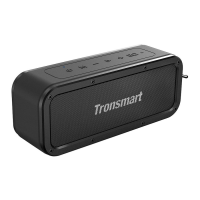
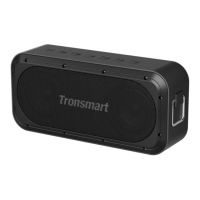
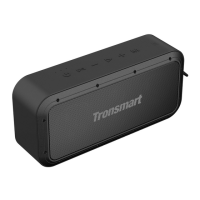
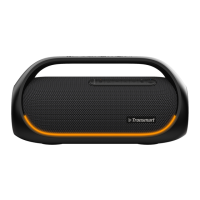
True Wireless Stereo Pairing
1. Turn on two speaker first.
2. Press “True Wireless Stereo Pairing button” once to enter stereo pairing
mode with the yellow indicator flashes.
3. If paired successfully, the stereo pairing indicator of both speakers will
stay on yellow.
4. The Bluetooth indicator of host speaker will flash. Search and click
“Tronsmart Force Max” to pair.


 To Next Page