EN 5
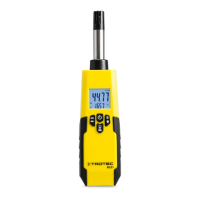
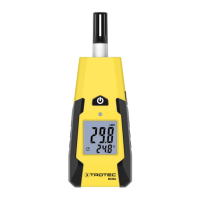
thermohygrometer BC06
Transport and storage
Note
If you store or transport the device improperly, the
device may be damaged.
Note the information regarding transport and storage of
the device.
Transport
For transporting the device, use the bag included in the scope of
delivery in order to protect the device from external influences.
Storage
When the device is not being used, observe the following
storage conditions:
• dry and protected from frost and heat
• protected from dust and direct sunlight
• with a cover to protect it from invasive dust if necessary
• The storage temperature is the same as the range given in
the Technical data chapter.
• Remove the battery from the device.
Operation
Inserting the batteries
• Insert the supplied battery before first use.
Caution
Make sure that the surface of the device is dry and the
device is switched off.
1. In the direction of the arrow, remove the battery
compartment cover(4) from the device.
2. Use the battery clip(19) to connect the new battery with
correct polarity.
3. Insert the battery in the battery compartment.
4. Slide the battery compartment cover(4) back on the
device.
Switch-on and measurements
1. Press the Power button(7).
ð The display will be switched on and the device ready for
operation.
ð In case of poor lighting conditions the display
illumination switches on automatically. The display
illumination is controlled by the sensor(6).
2. Hold the sensor(1) into the area where the measurement
is to be performed.
ð The measured values are indicated in %RH and °C.
ð Wait for a moment to achieve a stable measured value.
Note:
Note that moving from a cold area to a warm area can lead to
condensation forming on the device's circuit board. This
physical and unavoidable effect can falsify the measurement. In
this case, the display shows either no measured values or they
are incorrect. Wait a few minutes until the device has become
adjusted to the changed conditions before carrying out a
measurement.


 To Next Page