25
TRUE
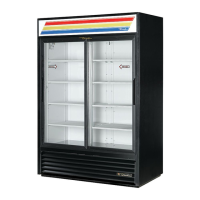
glass door merchandisers
www.truemfg.com
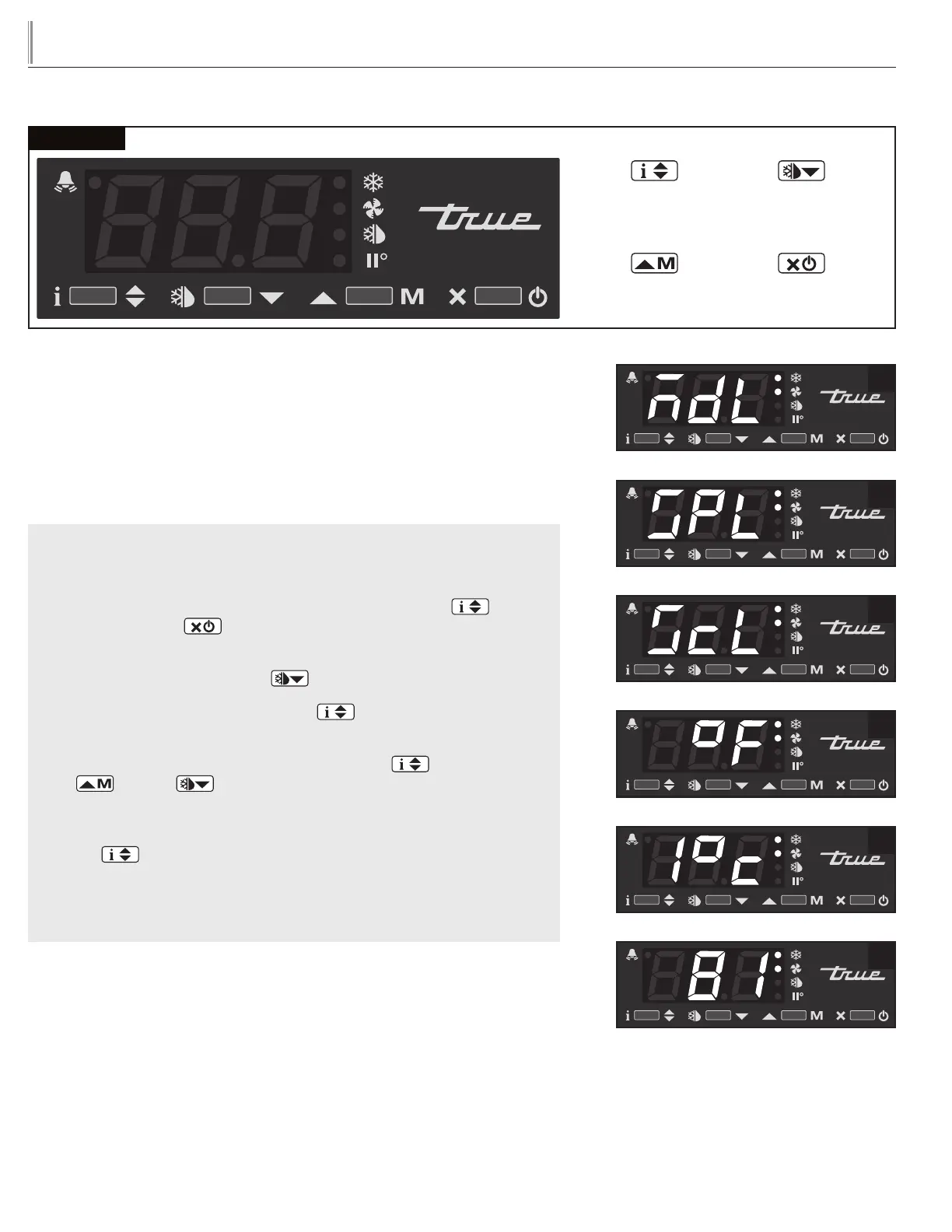
LAE Control
Manual Activation
Up Button
Info / Set Point
Button
Stand-By
Button
Manual Defrost /
Down Button
HOW TO CHANGE DISPLAY READOUT FROM
FAHRENHEIT TO CELSIUS:
May need to unlock control.
This can NOT be changed with the LAE model AR2-28 version of the control. See
page 32 for more information.
WHY: Changing readout will assist with customer application.
HOW TO CHANGE DISPLAY READOUT FROM
FAHRENHEIT TO CELSIUS:
STEP 1 - To change the display, press and hold the Info button and
the Stand-by button at the same time. “MdL” or “SPL” will appear.
See images 1a and 1b.
STEP 2 - Push the Down button until “ScL” appears. See image 2.
STEP 3 - Press and hold the Info button to see the “readout scale”.
See image 3.
STEP 4 - While pressing and holding the Info button , press the
up or down button to change the “readout scale".
See image 4.
STEP 5 - Once the “readout scale” has been changed, release the info
button .
STEP 6 - Wait 30 seconds for the display to show temperature.
See image 5.
1a
1b
2
3
4
5



 To Next Page