28
STEP 3—ATTACH WEIGHT STACK TO UPRIGHT ASSEMBLY CONTINUED
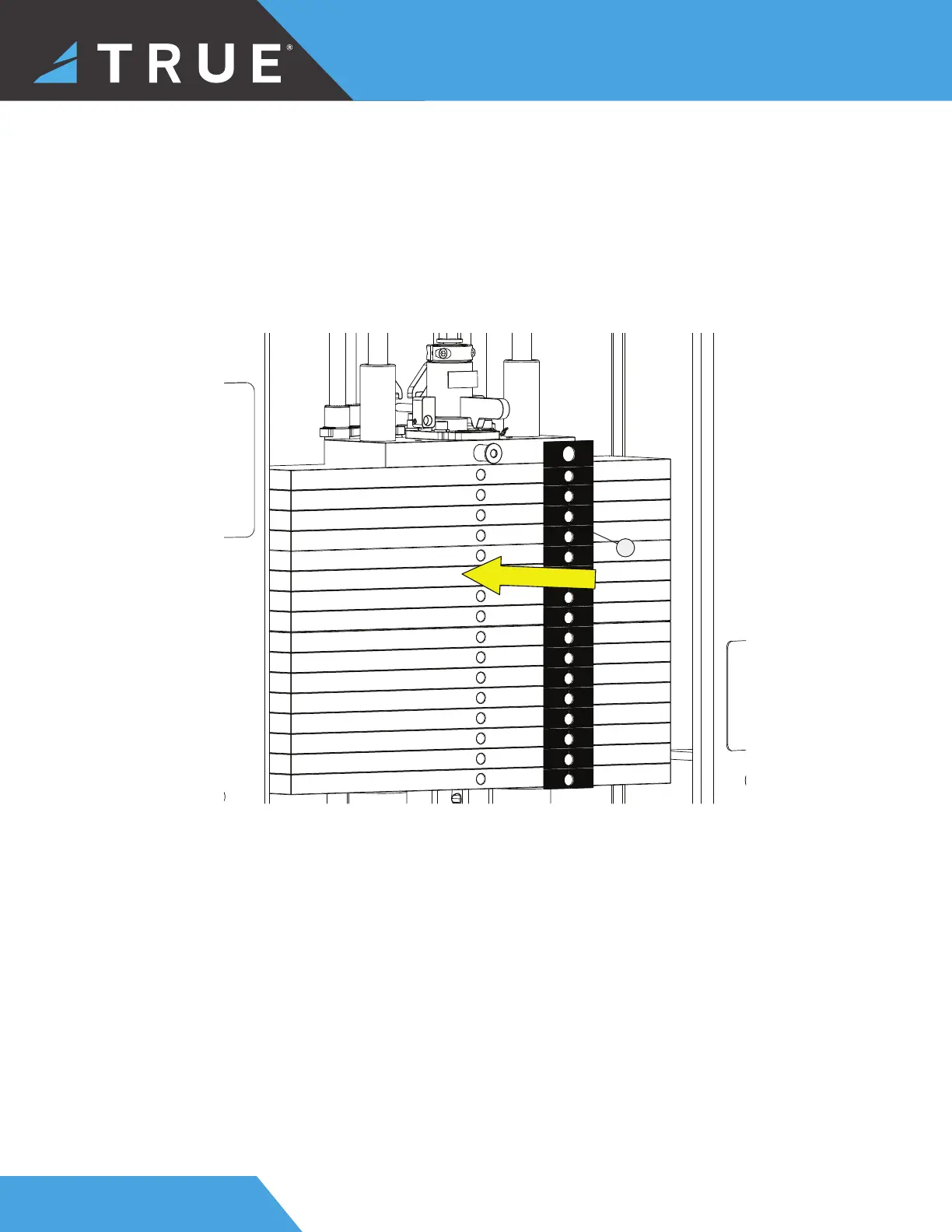
j. After selecting the appropriate weight stack label, peel and remove the backing from the weight stack label. Using the
selector pin retainer tube and the selector pin in the heaviest weight plate option, align the weight stack label with the
plates. After applying the weight stack label for the appropriate model and weight stack option, peel and remove the
front from the weight stack label, leaving the individual weight call outs for each plate.
16


 To Next Page