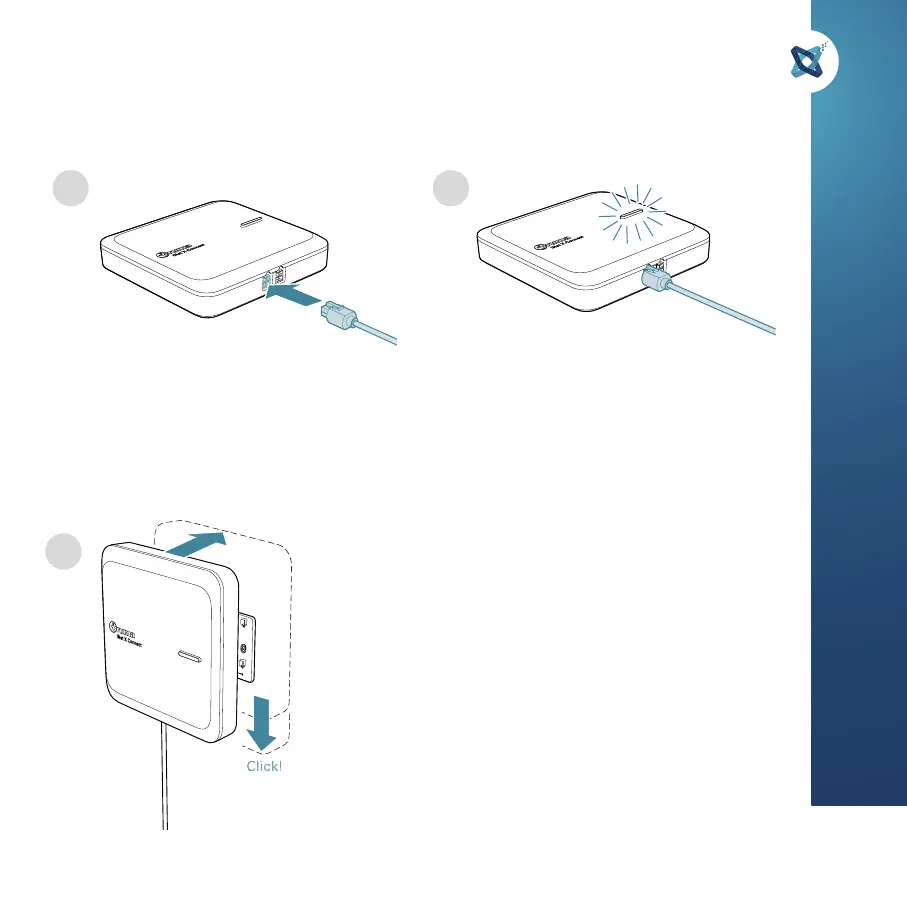
Mit CAN 1 verbinden.
Connect to CAN 1.
Se connecter au CAN 1.
Gerät an Montageplatte montieren.
Mount the device on the mounting plate.
Montez l’appareil sur la plaque de montage.
Blinkt die LED weiß, war die Installation
erfolgreich. Blinkt die LED rot, liegt ein
Fehler vor.
White pulsating LED indicates successful
installation. Red means error.
Une LED blanche clignotante indique une
installation réussie. Le rouge signifie une
erreur.
2
4 5
6
23
Art. Nr.
47000-00225


 To Next Page
 Loading...