EasyManua.ls Logo

Trust 17678 - Page 4

Trust 17678
45 pages
Print Icon
To Next Page IconTo Next Page
To Previous Page IconTo Previous Page
Loading...
I
-
-
-
-
-
-
-
-
-
-
-
-
-
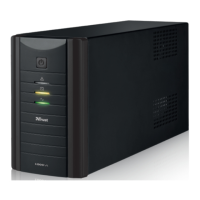
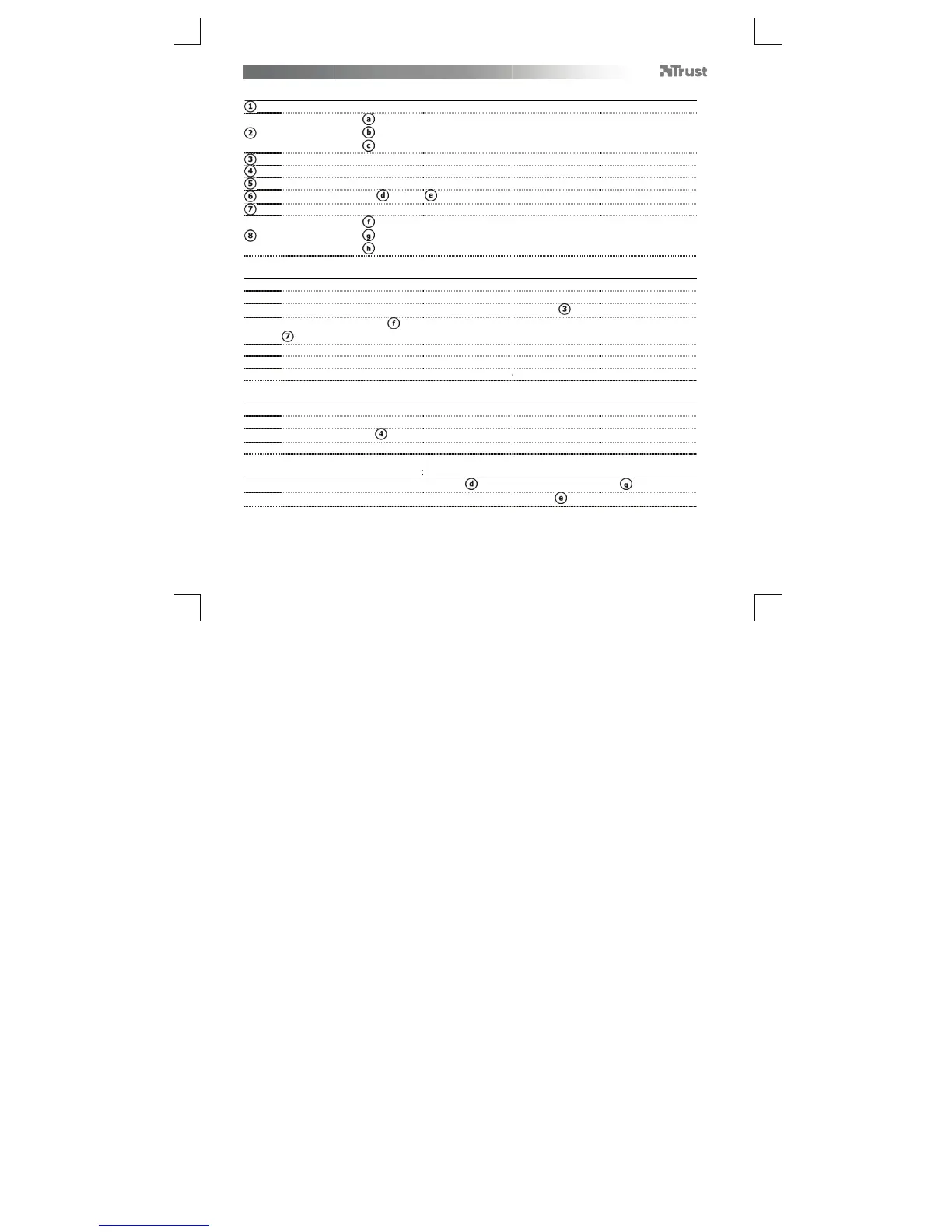
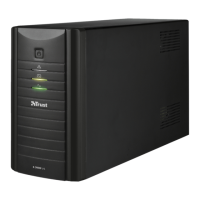
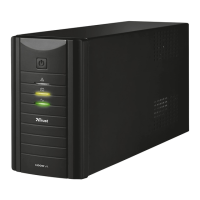
OXXTRON 1500VA
U
Package contents
On/Off butt
o
Status LEDs:
A
C input por
t
Fuse holder
USB port
Phone conn
e
Outpu
t
Cables:
I
nstallation (Instal
l
-
T
urn off you
r
-
Disconnect t
h
-
Connect you
r
-
Use loop thr
o
).
-
T
urn on the
U
-
Charge the
U
-
T
he equipm
e
Replacing the fuse
-
Make sure t
h
-
Use a spare
f
-
Open the fu
s
-
Replace the
f
Phone line protecti
-
Connect the
-
Connect you
r
U
PS – User’s Manual
n
Red
Yellow
Green
t
e
ctions In ( ) & Out
(
Loop throu
g
Phone cabl
e
USB cable
l
ation)
r
computer.
e AC input cables fro
computer’s AC input
o
ugh cables ( ) to c
o
U
PS.
U
PS for 8 hours.
nt connected to the
(Replacing the fus
e UPS is completely
use of same rating (
s
e holder ( ).
use and close the fu
n (Phone line pro
wall phone socket to
device (Telephone,
2
(
)
g
h cables (2x)
e
m your computer and
cable to the UPS’ AC
nnect the computer
PS can be switched
e
)
ff, (disconnect mains
2
50V, 5A)!
e holder.
t
ection)
P
hone In ( ), using
t
ax, Modem, etc) to P
from its monitor.
input port ( ).
a
nd its monitor to the
o
n.
power).
he supplied phone ca
h
one out ( ).
UPS backup outputs
ble ( ).
(

Related product manuals