DS-3200 Wireless Optical Slimline Deskset
1
UK
Product information
Keyboard
A: Internet keys
B: Multimedia keys
C: Battery low indicator
D: Open My computer
E: Open calculator
F: Standby button
G: Connect button
H: Battery compartment
Mouse
I: Left button
J: Scroll wheel Button
K: Right button
L: Browser forward button
M: Browser backward button
N: Motion sensor
O: Battery compartment
Receiver
P: Connect button
Q: Active indicator
Steady lit: powered
Flashing: connect/active
Installation
1
Insert batteries to mouse
2
Insert batteries to keyboard
3
Connect USB to PC
4
Computer on
5
Connect Mouse
1. Press connect button on receiver
2. Press connect button on mouse
6
Connect Keyboard
1. Press connect button on receiver
2. Press connect button on keyboard
The product is ready to use!
Install Easy Configure Program
7
Place Trust CD in CD-ROM drive
8
Install software
9
Click ‘Next’. Follow onscreen instructions.
10
1. Select ‘Yes, I want to restart my computer now’
2. Click ‘Finish’. Installation finished. Keyboard and mouse are ready for use.
Reminder
Less performance
• Metal object close to or in between the device
• Material of the surface which may cause sensor imprecision. Use a mousepad to avoid it
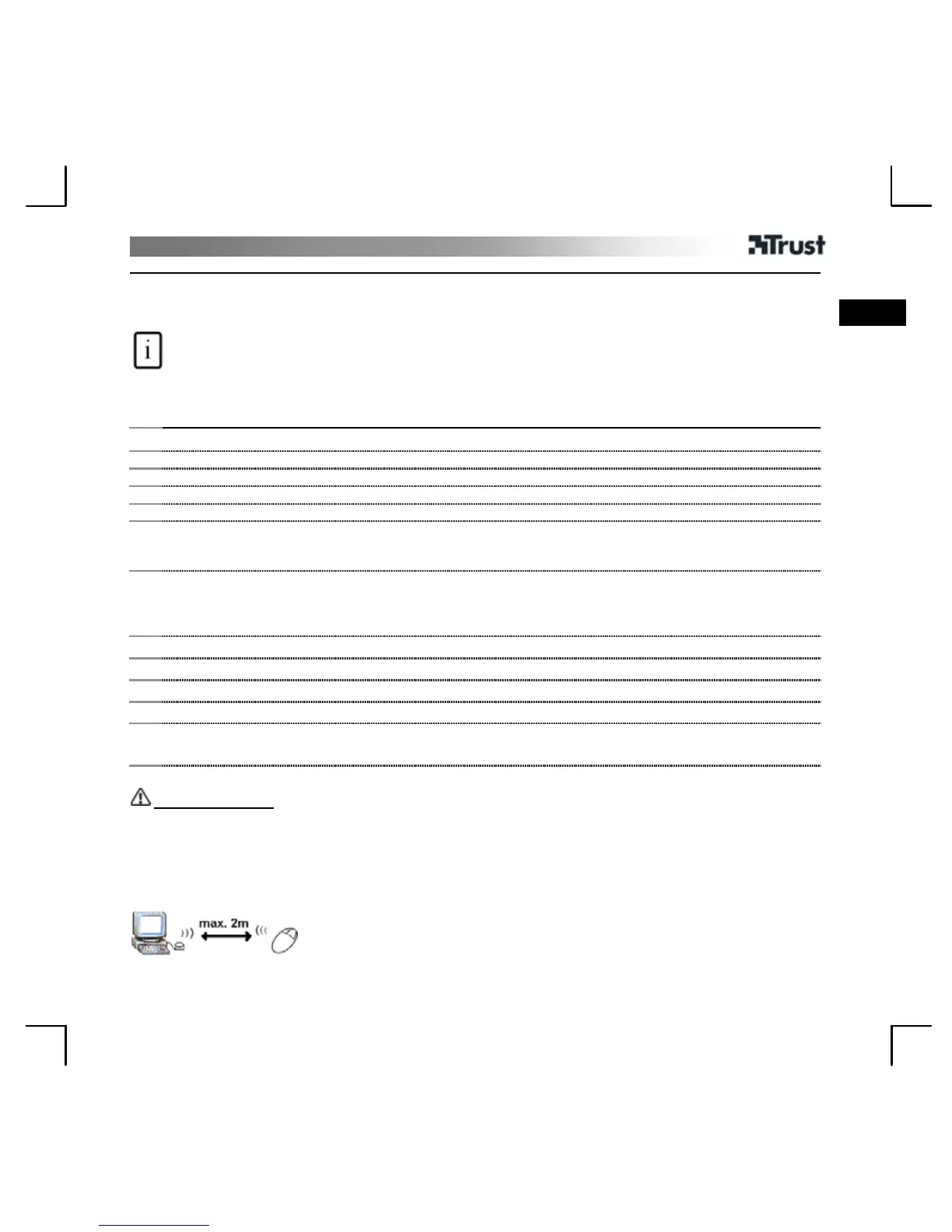
• Place receiver on same hight as mouse
• Follow connect mouse or keyboard procedure to change wireless ID in case of disturbace
• Batteries (almost) empty
• Another wireless device is close by


 To Next Page