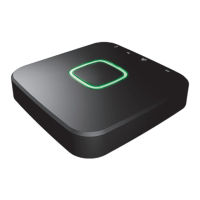
ICS-2000 INTERNET CONTROL STATION
7
G
Press the SET button on the sensor for about 2 sec. Then press the CONNECT button.
H
The sensor is paired to the control station
I
Another dialog is displayed to add a device. Press the MOTION SENSOR. A new dialog is displayed to give
a name for the motion sensor. Enter a name and press ADD.
J
Press the SET button on the sensor for about 2 sec. Then press the CONNECT button.
G
H
I


 To Next Page
 Loading...