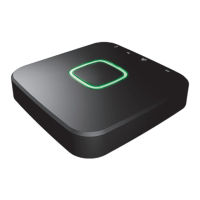
ICS-2000 OCTOPUS CONTROL STATION
11
4. Connect the power adapter
Connect the micro usb power adapter to the Octopus control station and insert the plug of the
power adapter into a wall socket. The LEDs of the control station will light up and start to spin to
update the firmware.
Do not disconnect the power or interrupt the control station in any way when the LED
ring is spinning green to update the firmware. When the control station is done booting and
updating all four LEDs will stay green. This can take a few minutes.
4


 To Next Page
 Loading...