8
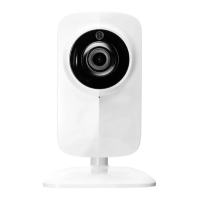
DEVICE SETTINGS
IRIS VIDEO
IRIS MICROPHONE
IRIS AUDIO
Save Cancel
QUICK-START GUIDE
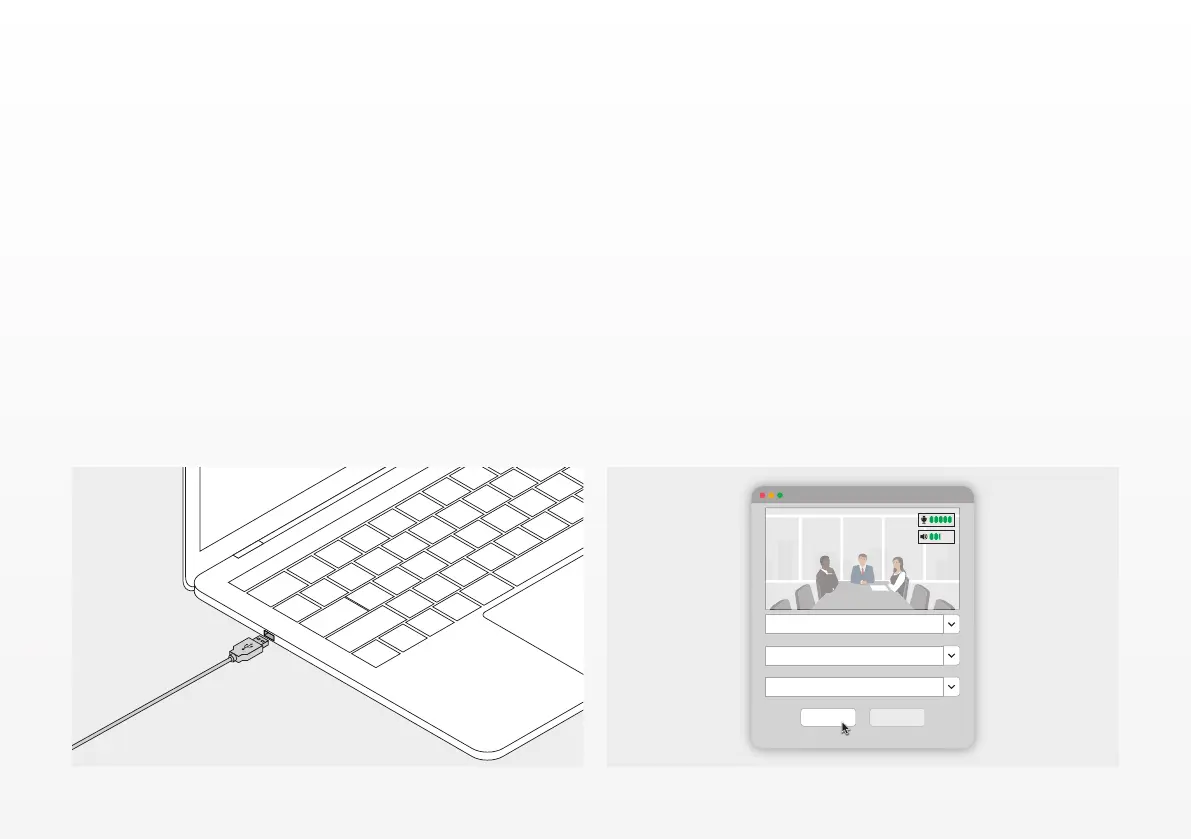
1. CONNECT THE POWER AND USB-C CABLE
Plug in the included USB-C cable in the back side of the
IRIS and connect the camera to a free USB port on your
laptop or desktop computer. The LED indicator will blink
green when the IRIS is successfully connected.
2. SETUP CONFERENCING SOFTWARE
Go to the devices and hardware setting of the Video
Conferencing application of your choice, and make sure
to select the IRIS to be the default camera, microphone
and speaker.
EN


 To Next Page