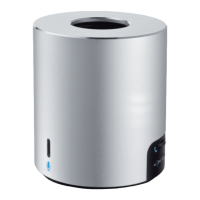
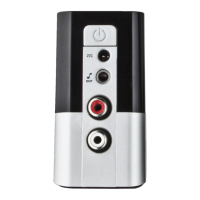
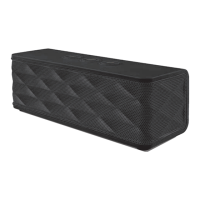
Bluetooth Speaker - USER’S MANUAL
2
Package contents
A Volume -
B Play, Pause/ Call pickup/ Bluetooth pairing
C Volume +
D LED indicator:
Blue flashing Pairing mode
Blue constant Bluetooth mode
Off Audio input mode
Red constant Charging
E On/off switch
F USB power input
G 3.5mm Audio input
H 3.5mm Audio output
I USB charge cable
J Mini to Micro USB adapter
K 3.5mm Audio cable
Preparation
- Connect the product to a charger. This can be a phone/tablet charger or a pc.
- Use “J” when the charger has a micro USB connector
- Charge the battery for 3 hours.
- Power on the speaker by switching the power switch ‘E’ on the rear of the speaker.
- The LED indicator ‘D’ will start flashing Blue (pairing mode).
If the LED indicator does not flash blue press and hold the play/pause button for 5 sec.
3
1
2


 To Next Page