EasyManua.ls Logo

TruTech CR130TT8 - User Manual

TruTech CR130TT8
78 pages
Print Icon
To Next Page IconTo Next Page
Loading...
WATCHING TVINTRODUCTION CONNECTION INITIAL SETTING
OPTIONAL SETTING
INFORMATION
TROUBLESHOOTING
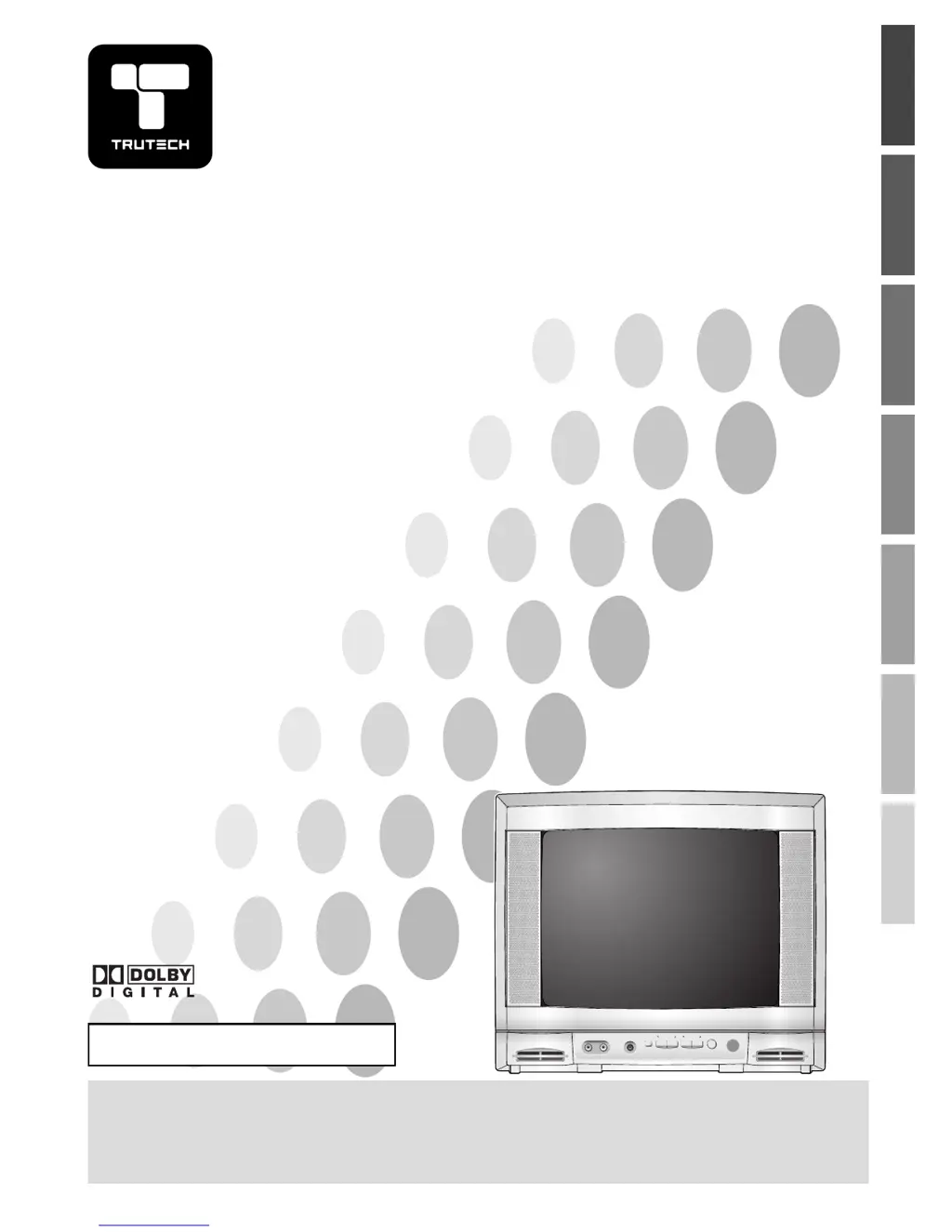
13” Digital / Analog
Television
Owners Manual
CR130TT8
IF YOU NEED ADDITIONAL ASSISTANCE WITH SETUP OR OPERATING AFTER
READING OWNER’S MANUAL, PLEASE CALL TOLL FREE 1-800-844-5001
TO RECEIVE DIGITAL/ANALOG SIGNAL,
YOU MUST CONNECT ANTENNA.
POWER
VOLUME CHANNEL
MENU
EARPHONE
VIDEO AUDIO
© 2007 Funai Electric Co., Ltd.

Table of Contents

Questions and Answers

Summary

Important Safeguards

Read Safety Instructions

All safety and operating instructions must be read before appliance operation.

Heed Safety Warnings

Adhere to all warnings on the appliance and in operating instructions.

Follow Operating Instructions

All operating and use instructions must be followed.

Keep Away from Water and Moisture

Do not use TV near water, such as tubs, sinks, or wet basements.

Ensure Proper Ventilation

Do not block ventilation openings to prevent overheating and ensure reliable operation.

Use Correct Power Sources

Operate TV only from the indicated power source type; consult dealer if unsure.

Grounding and Polarization Safety

Ensure TV plug is fully inserted into outlet; contact electrician for obsolete outlets.

Outdoor Antenna Grounding

Ground antenna/cable systems per NEC for protection against surges and static.

Unplug During Lightning

Unplug TV and disconnect antenna during lightning storms or long periods of non-use.

Avoid Power Lines

Do not locate outdoor antennas near power lines to prevent fatal contact.

Avoid Overloading Outlets

Do not overload wall outlets or extension cords to prevent fire or shock risk.

Prevent Object;Liquid Entry

Do not push objects into TV or spill liquids to prevent voltage points or fire/shock risk.

Refer Servicing to Qualified Personnel

Do not service TV yourself; refer all servicing to qualified personnel.

Service if Damaged

Unplug and refer to qualified personnel if cord is damaged, liquid spilled, or TV not operating normally.

Location and Safety Precautions

Electrical Shock and Fire Hazards

Avoid handling power cord with wet hands and unplug if water spills.

Product Features Overview

Automatic Channel Scanning

Automatically scans and memorizes available channels, simplifying setup.

V-Chip Content Blocking

Feature to block children's access to inappropriate programs.

Remote Control Functions

Basic Connection Setup

Antenna or Cable TV Connection

Connects the unit to an antenna or cable TV company using an RF coaxial cable.

Cable Box or Satellite Box Connection

Connects the unit to a cable/satellite box using RF coaxial cables.

Initial Setup Procedure

Initial Setup Steps

Guides through selecting language and performing automatic channel scan (AUTO PRESET CH).

Channel Scan and Language Settings

Watching TV: Channel and Volume

TV Modes and Screen Information

TV Display Modes and Timer

Optional Channel Management

Picture and Caption Settings

DTV Closed Caption Features

DTVCC Style Customization

V-Chip Parental Control Setup

V-Chip Setup and Password

Set up V-chip to block programs based on rating levels. Requires password entry.

TV Rating System Details

MPAA Rating and Password Management

Troubleshooting Common Issues

Troubleshooting Symptom Guide

Guide to resolve common TV problems like no power, no picture/sound, color issues, and picture distortion.

Limited Warranty Information

TruTech CR130TT8 Specifications

General IconGeneral
BrandTruTech
ModelCR130TT8
CategoryCRT TV
LanguageEnglish