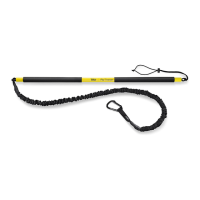
RIP™ Group Training Station Assembly5
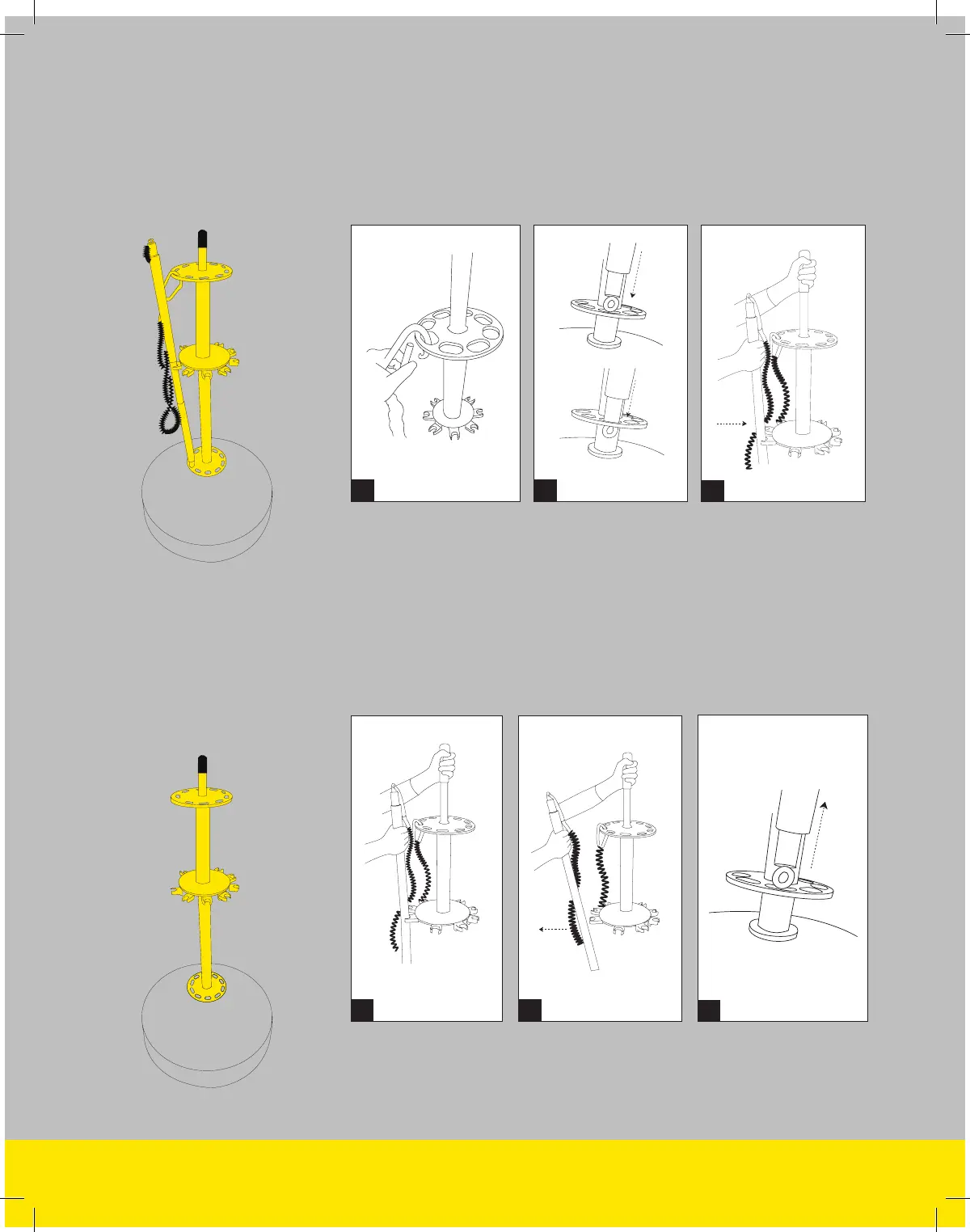
(A) Clip one Rip Trainer carabiner to each hole on the towers upper
carousel. (B) Place the eyelet not attached to the resistance cord
inside the hole on the towers lower carousel directly beneath the
carabiner’s position. (C) Push the Rip Trainer into the clip that is
directly above the towers lower carousel hole. Repeat for each
additional Rip Trainer.
A B
STEP 3
Attach your
Rip Trainer
(A) Grab the tower grip with one hand, then grab the Rip Trainer by
the upper grip and with the opposite hand. (B) Using the tower for
leverage, pull it directly away from the tower – not up. (C) Once the
Rip Trainer is free from the clip, lift the Rip Trainer up to remove it
from the towers lower carousel.
A
C
STEP 4
Removing a Rip
Trainer from the
Group Station
B
C

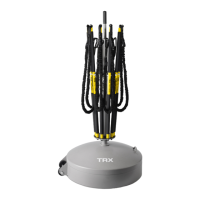

 To Next Page