9
Software installation
Windows based PC
1. Insert the supplied application CD to the CD-ROM of
the computer.
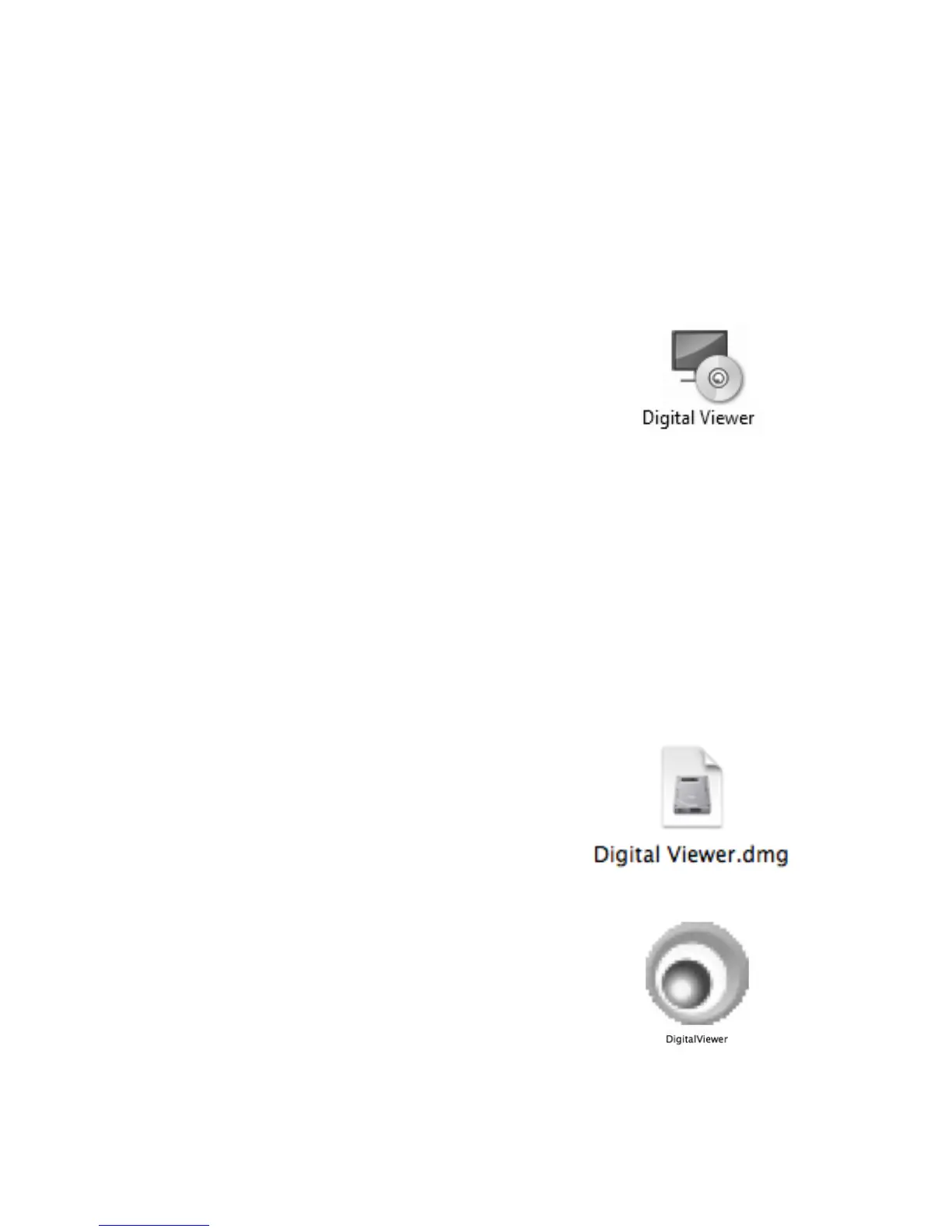
2. Double click the "Digital Viewer.exe"
icon located within the CD.
3. Follow the Digital Viewer setup wizard to install the
software and drivers for the Digital Microscope.
Mac OS based PC
1. Insert the supplied application CD to the CD-ROM of
the computer.
2. Double click the "Digital
Viewer.dmg" icon located
within the CD.
3. Drag the Digital Viewer icon into the
Applications folder.



 To Next Page