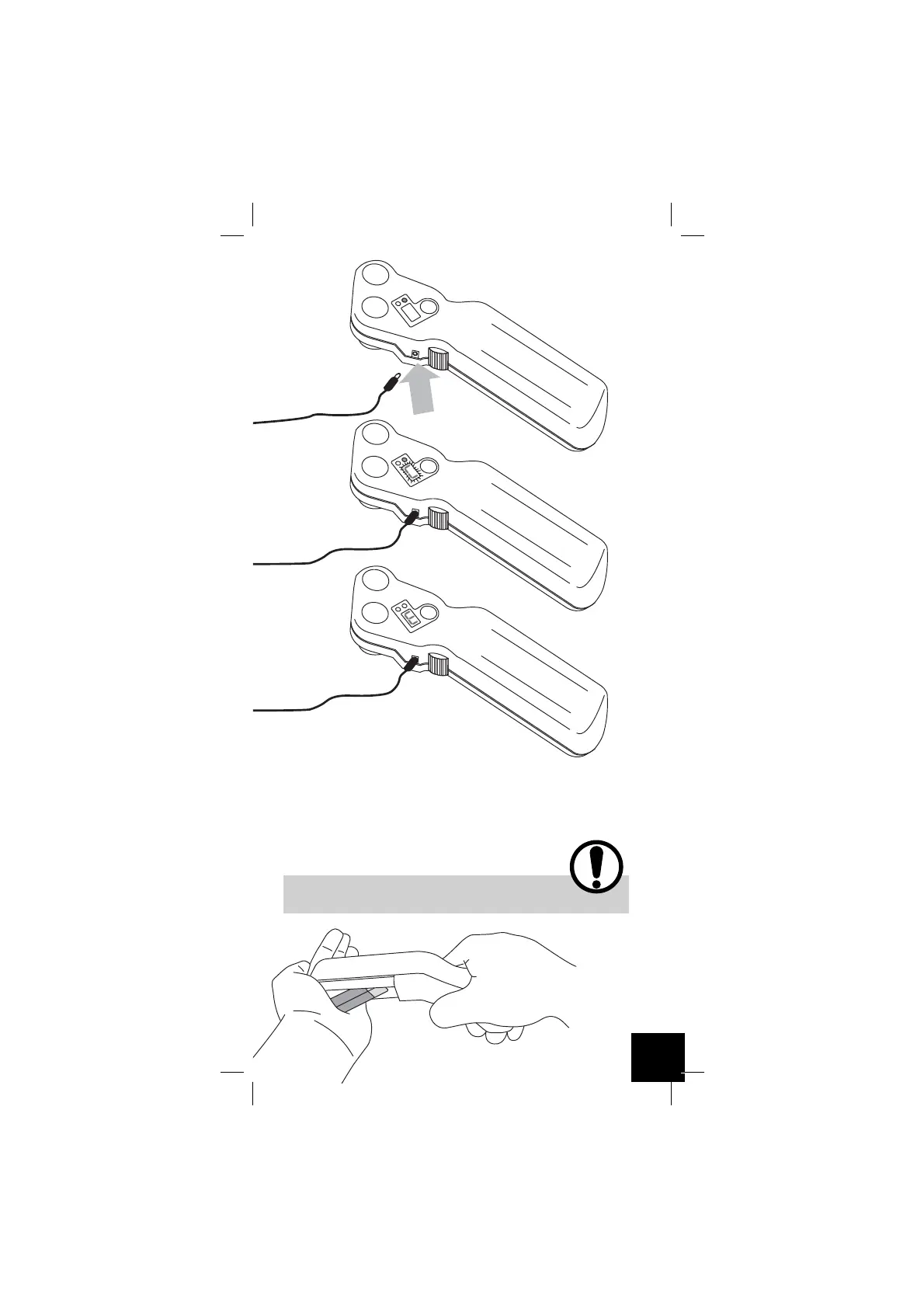
To change the battery: Slide back the battery cover as shown in the
illustration and give a firm tap of the body of the unit on to the palm
of your hand to dislodge the battery from its holder. Once dislodged,
carefully take the battery out of the holder (taking extra care not to
tug on the wires); disconnect the battery from its connector by firmly
pinching at each of the two poppa connections with your thumb and
forefinger (this gently breaks the battery poppa connections). Finally,
connect the new battery to the connector and gently place it in the
battery holder. Close the cover.
If Tua Viso remains unused for long periods, remove the battery
from the battery holder.
Insert the charger
connector into the
appropriate socket
Battery charging
End of charging
25



 To Next Page