Pairing
3
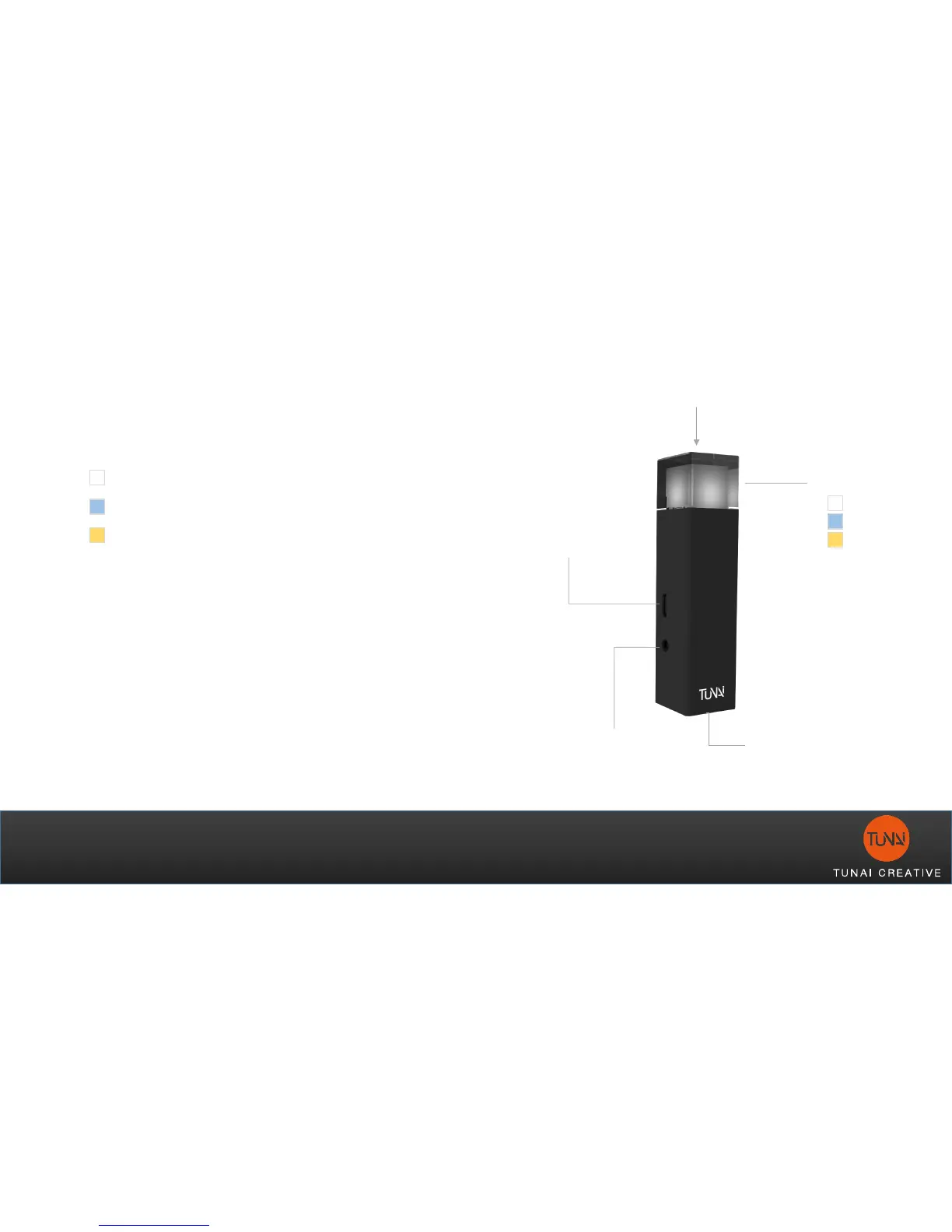
1. Connect 5V power source via Micro USB
2. Short press button to select the desired
audio input source
Analog
Optical
USB
3. Enter pairing mode for both Bluetooth
RX (Bluetooth receiver or Bluetooth
headphone), and Bluetooth TX (WAND)
1. RX device enters pairing mode first
2. Long press the WAND’s pairing
button for 2sec to enter pairing mode.
LED will quick flash once enter pairing
mode.
4. When WAND’s LED indicator stop
flashing, the pairing is complete.
Optical
(SPDIF)
USB
(Power / Data)
Analog
(AUX/RCA)
Pairing / Input Select
LED Indicator
Analog
Optical
USB



 To Next Page