Manual-EN
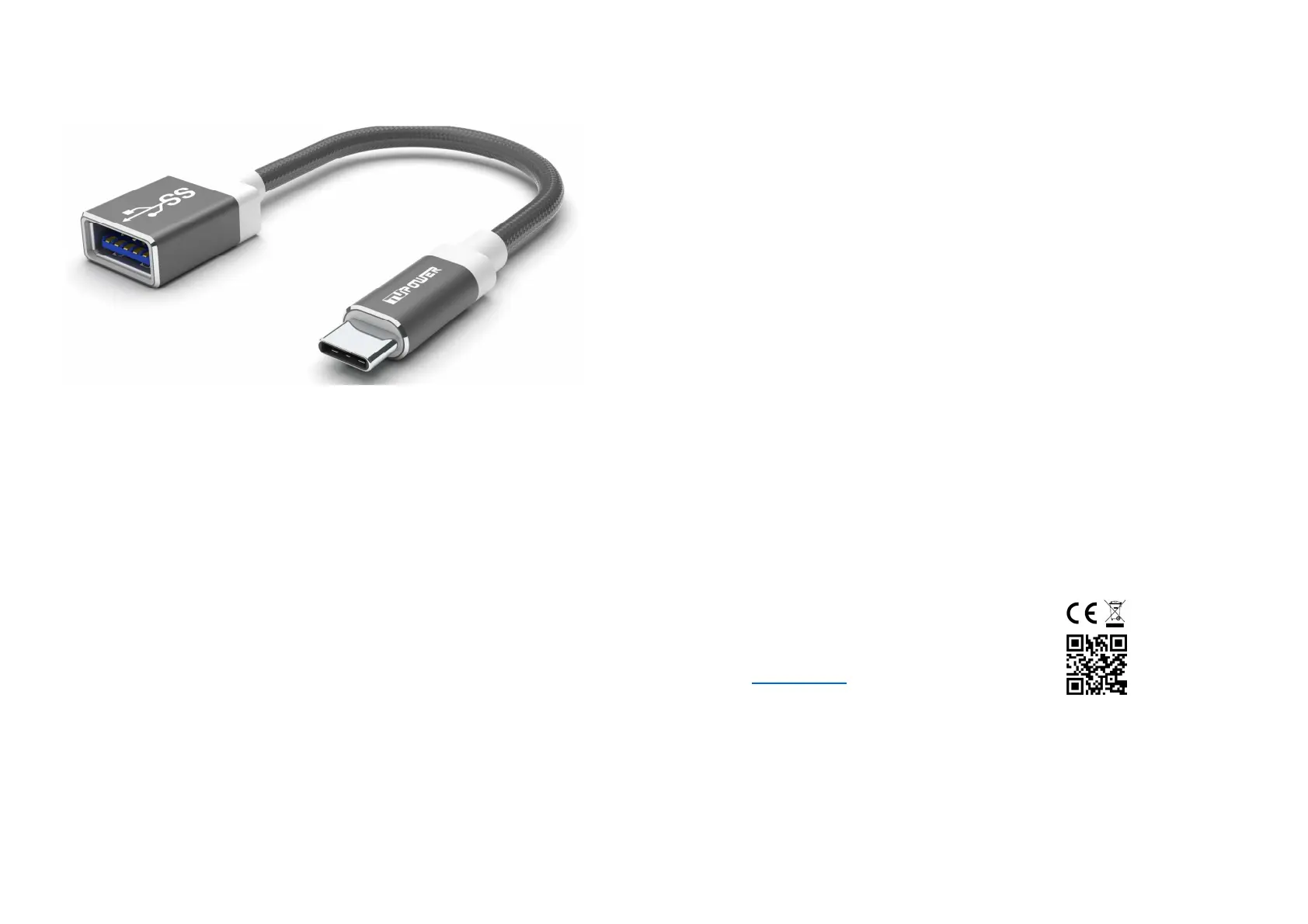
TUPower USB C to USB 3.0 A Cabel Series
Functions:
The TUPower USB C to USB 3.0 cable is suitable for charging and data transfer.
Technical data:
Connections: USB-C connector/USB 3.0 A connector
Power output: 20 AWG
Operating voltage: 5V
Charging capacity: max. 2A
Data rate: max. 5Gbps
Material: Nylon/Alu
pull-up resistance: 56KΩ
Specifications:
Compatible with all devices with USB C beech and USB A socket
Huawei SuperCharge compliant
Comments:
Not all devices can be charged with 5A. Please observe the charging specification of the terminal
device.
Problem solving:
1. My mobile device cannot be charged.
Make sure that the connection between the charger and the end device is correct.
2. My mobile device cannot be charged quickly.
Make sure the mobile device is using Huawei SuperCharge technology.
3. I can't use the cable to transfer data from my phone to my computer.
First, check to see if your phone can be charged with the cable. If so, simply contact us at:
info@tupower.de We will be happy to help you.
Safety instructions:
Please read the following instructions before using the USB cable:
a) Always keep the cable dry and do not place it in a humid environment to avoid
damaging the electronics.
b) Do not expose the cable to direct sunlight or heat. Otherwise, the life of the electronics
may be reduced.
c) Do not expose the cable to extreme cold to protect the circuit board.
d) Do not attempt to repair the cable yourself.
e) Do not expose it to hard shocks.
f) Do not use aggressive chemicals to clean the cable.
g) Take care not to scratch the surface.
Manufacturer/Importer:
TUPower GmbH
Werner-Von-Siemens-Str. 20
30982 Pattensen
Germany
www.tupower.de
Tel: +49-05101-8559751 Fax: +49-05101-8559752


 To Next Page
 Loading...