TURING Vision Quick Start Guide – Smart Series Hardware Setup
2
Components
Congratulation on your purchase of the TURING Smart Series IP Cameras and NVR system.
This guide will help you setup the Turing Smart Series IP Cameras and NVR systems and get things running.
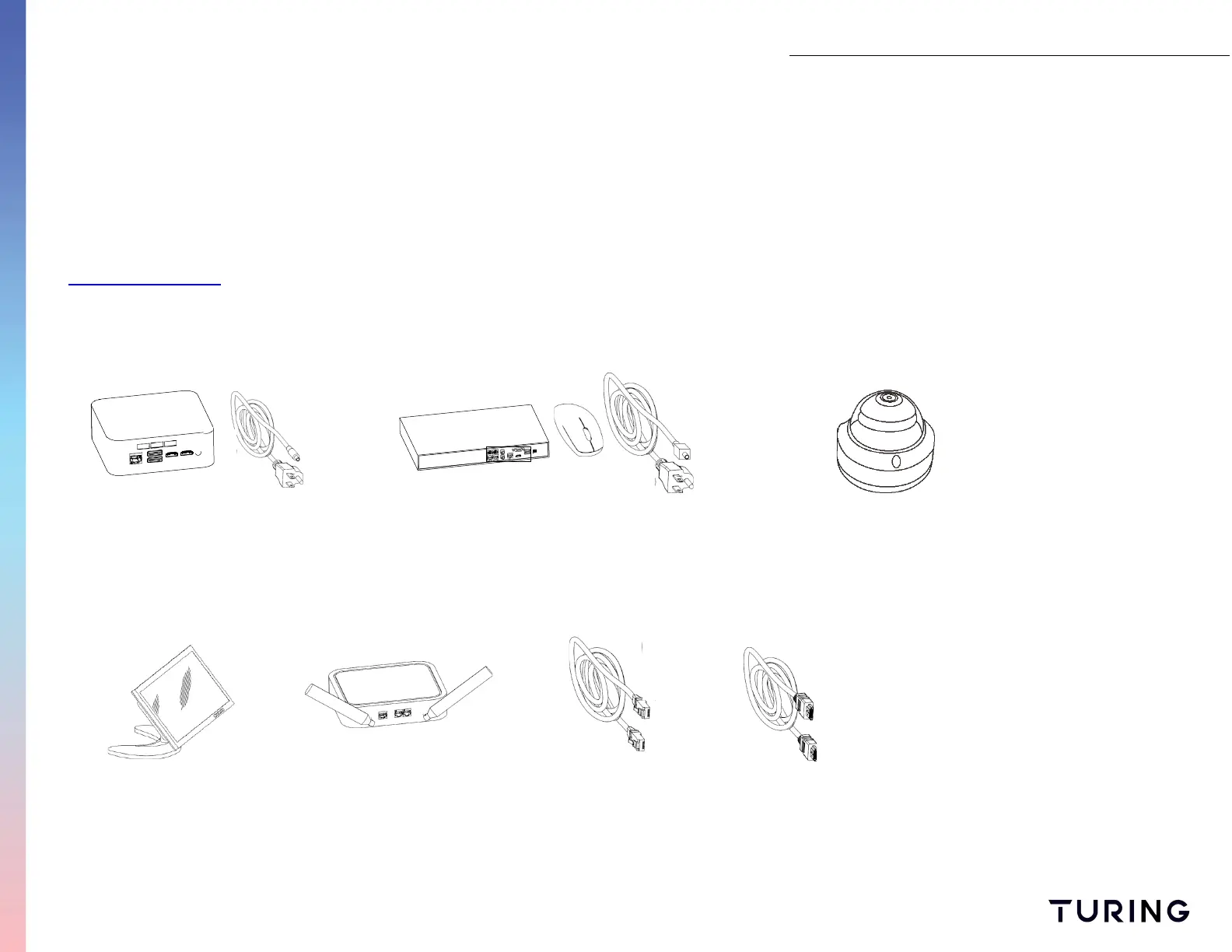
Be sure to check to see that all parts are present. Note, some third-party components such as monitors,
mice and keyboards can also be used with this system. If you encounter any problems, please visit
www.turingvideo.com for additional support.
Turing Vision Bridge
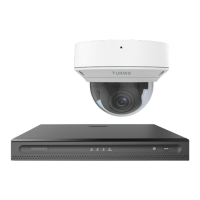
SMART Series: IP Camera(s)
SMART Series NVR with Mouse
TURING VISION PRODUCTS
PERIPHERALS NEEDED (Not Included)
Monitor Router - Optional
(Or Network with internet access)
Network Cable (3)
CAT5/CAT6
HDMI Cable
(or VGA Cable)


 To Next Page