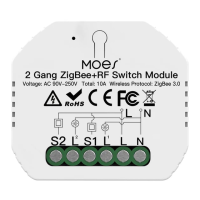
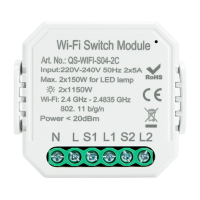
1,Support multi-protocol matching : WIFI/Bluetooth.
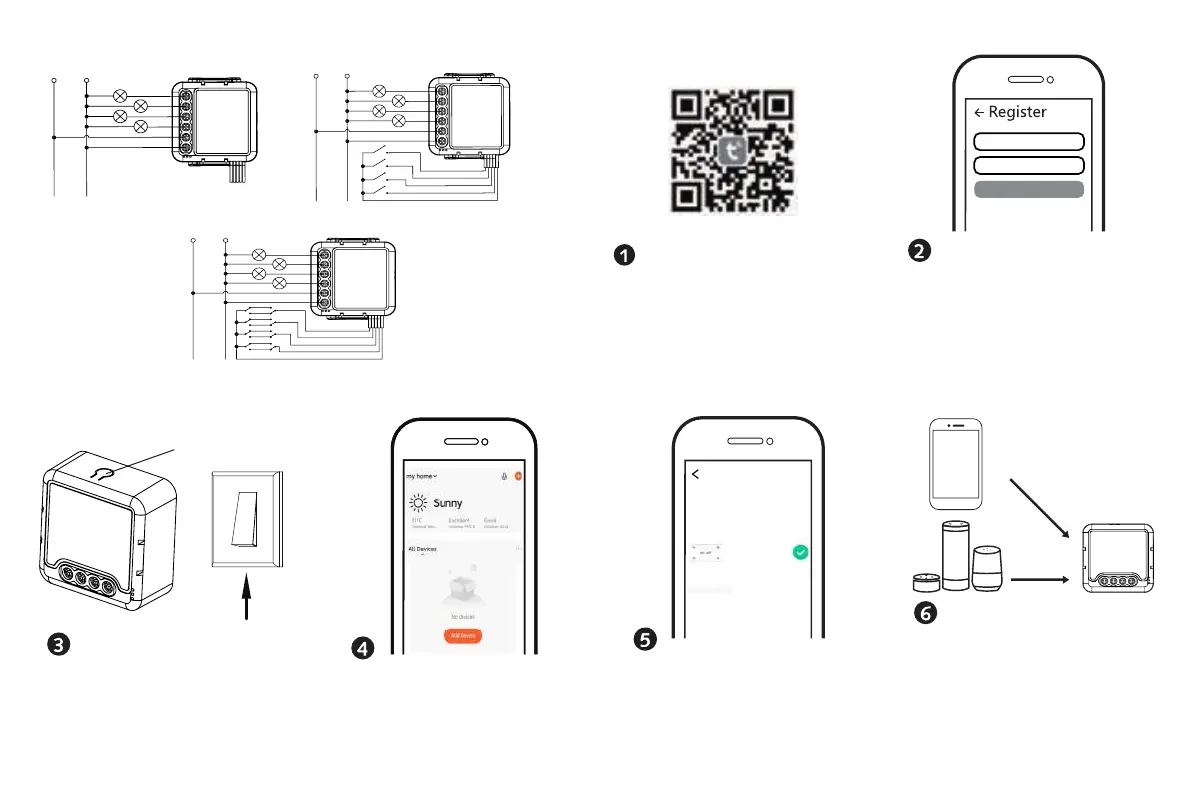
2,Turn on Bluetooth,Click "+" , follow the on-screen
instruction for paring.
Reset key
After the wiring of switch module is done, press
the reset key for about 10 seconds or turn on/off
the traditional switch for 5 times until the indicator
light inside the module is flashing quickly for pairing.
Log in or register your account with your mobile
code sent to your mobile or mail box, then set your
login password. Click "Create Family" to enter into
the APP.
Mobile number/e-mail add ress
Region
Obtain verification code
number or e-mail address.Type in the verification
The connecting will take about 10-120 seconds to
complete depending on your network condition.
Finally, you can control the device via your mobile
phone.
All Device
Found 1 devices.Added 1
successfully
Scan the QR code to download Tuya Smart App, or
you can also search keyword “Tuya Smart” at App
IOS APP / Android APP
Store or Googleplay to download App.
APP USER MANUAL
Connect to amazon alexa or Google Assistant
for voice control, or share the devices with your
families or friends.
Enjoy your smart life of home automation for
lighting control by using our All-in-one mobile
app wherever you are in the world or simply by
voice control when you are sitting at home
comfortably.
Voice control
Apps control
APP
WIFI Switch
Module
Without Switch
L N
L3
L2
L
N
L4
L1
S3
S4
S2
S1
COM
Single Control
L N
L3
L2
L
N
L4
S3
S4
S2
L1
S1
COM
L N
L3
L2
L
N
L4
L1
S3
S4
S2
S1
COM
Double Switch
4CH Wi-Fi Switch Module


 To Previous Page
 Loading...