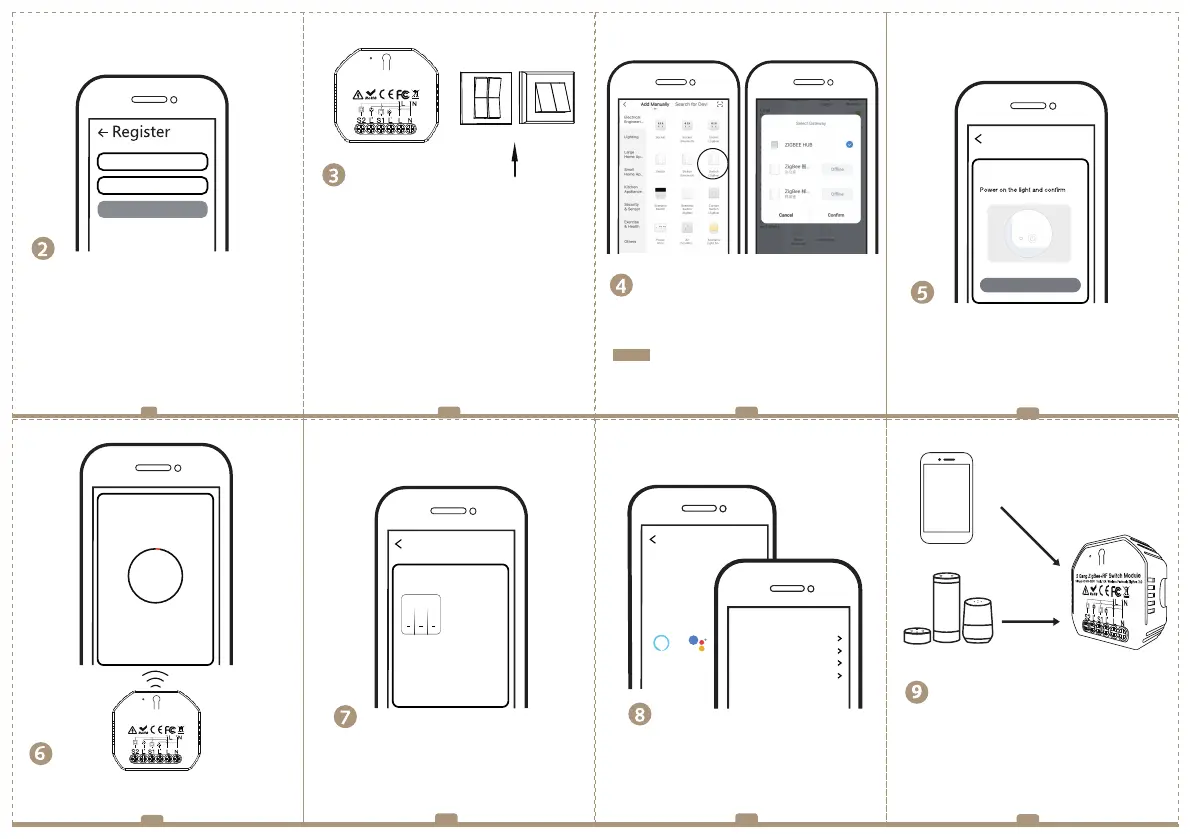
Log in or register your account with your mobile
number or e-mail address. Type in the verification
code sent to your mobile or mail box, then set your
login password. Click "Create Family" to enter into
the App.
Mobile number/e-mail address
Region
Open the App, select “+” on top right,choose
“Switch (Zigbee)” to add device.And select the right
Gateway to confirm the connection.
Confirm the Zigbee switch module is beeper rapidly.
(twice a second).
Add Device
the indicator blinks rapidly
Add Device
The connecting will take about 10-120 seconds to
complete depending on your network condition.
Connecting
Device found
Register device to the smart cloud
initializing device
Make sure your router,mobile,and
device are as close as possible
2%
Enjoy your smart life of home automation for
lighting control by using our All-in-one mobile
App wherever you are in the world or simply by
voice control when you are sitting at home
comfortably.
Confirm indicator blinks rapidly
Obtain verification code
9 10 11
12
14
13
15
16
Note: Make sure you have successfully connected
one Zigbee gateway hub.
(Wi-Fi)
Voice control
App control
APP
Rocker switch
Push wall switch
(Reset switch)
Fit for the two switches
When pairing is done, the Zigbee switch will be
shown on the App.
Switch Zigbee
Device added successfully
All Device
Connect to Amazon Alexa or Google Assistant
for voice control, or share the devices with your
families or friends.
More
Device Name
Basic information about the device
Supported Third-party
Control
Others
Others
Share Device
Create Group
Device information
Feedback
Device Location
Check Network
Amazon
Alexa
Google
Assistant
a. For reset switch: press the switch button for 10
times to hear the beep sounds continuously.
b. For rocker light switch: press the switch button
for 20 times(ON/OFF cycle for 10 times) to hear
the beep sounds continuously.
c. For reset button: long press the button on the
module to hear the beep sounds as Di-Di(2 times)
and long press the button again to hear the beep
sounds continuously.
Zigbee Link/Reset:
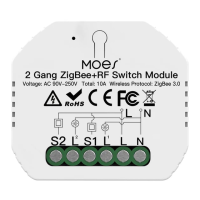
2 Gang ZigBee+RF Switch Module
Voltage: AC 90V-250V Total: 10A Wireless Protocol: ZigBee 3.0
2 Gang ZigBee+RF Switch Module
Voltage: AC 90V-250V Total: 10A Wireless Protocol: ZigBee 3.0


 To Next Page
 Loading...