Using the System & Features
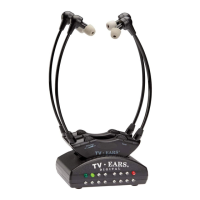
The Headset
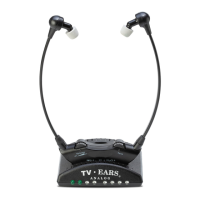
Putting the Headset On
Using both hands, gently separate the arms at the top by the ear
tips and place the earpieces into each ear.
Removing the Headset
Make sure the headset is completely turned off. Using both hands,
gently separate the arms at the top by the ear tips removing the
earpieces from your ears.
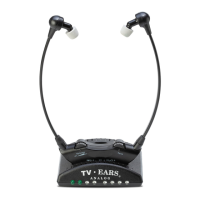
On/Off and Volume Control
To turn the headset on, rotate the volume dial towards the “on”
position and set the volume to your comfort level. To turn the
headset off, rotate the volume dial towards the “off” position
until you feel and hear a ‘click’. When you feel the ‘click’, this
means the headset is completely turned off and is ready to be
charged.
Tone Control
The tone dial allows you to control the amount of bass and treble
that is output by the headset. To adjust the tone, simply turn
the dial back and forth until you nd the balance that suits your
preference.
Adjust Headset Pressure
The TV Ears headset is made to t the average adult head, but
can be adjusted to improve the comfort and t. If the headset is
too tight or there is too much pressure on your ears after long
periods of use, hug the headset around a medium sized pillow or
book, preferably a little wider than the width of your head, and
let it sit for about 24 hours. Repeat the process if necessary.
5
For assistance, call us at 866-611-9934


 To Next Page