EasyManua.ls Logo

TV Star T1010p - User Manual

TV Star T1010p
15 pages
Print Icon
To Next Page IconTo Next Page
Loading...
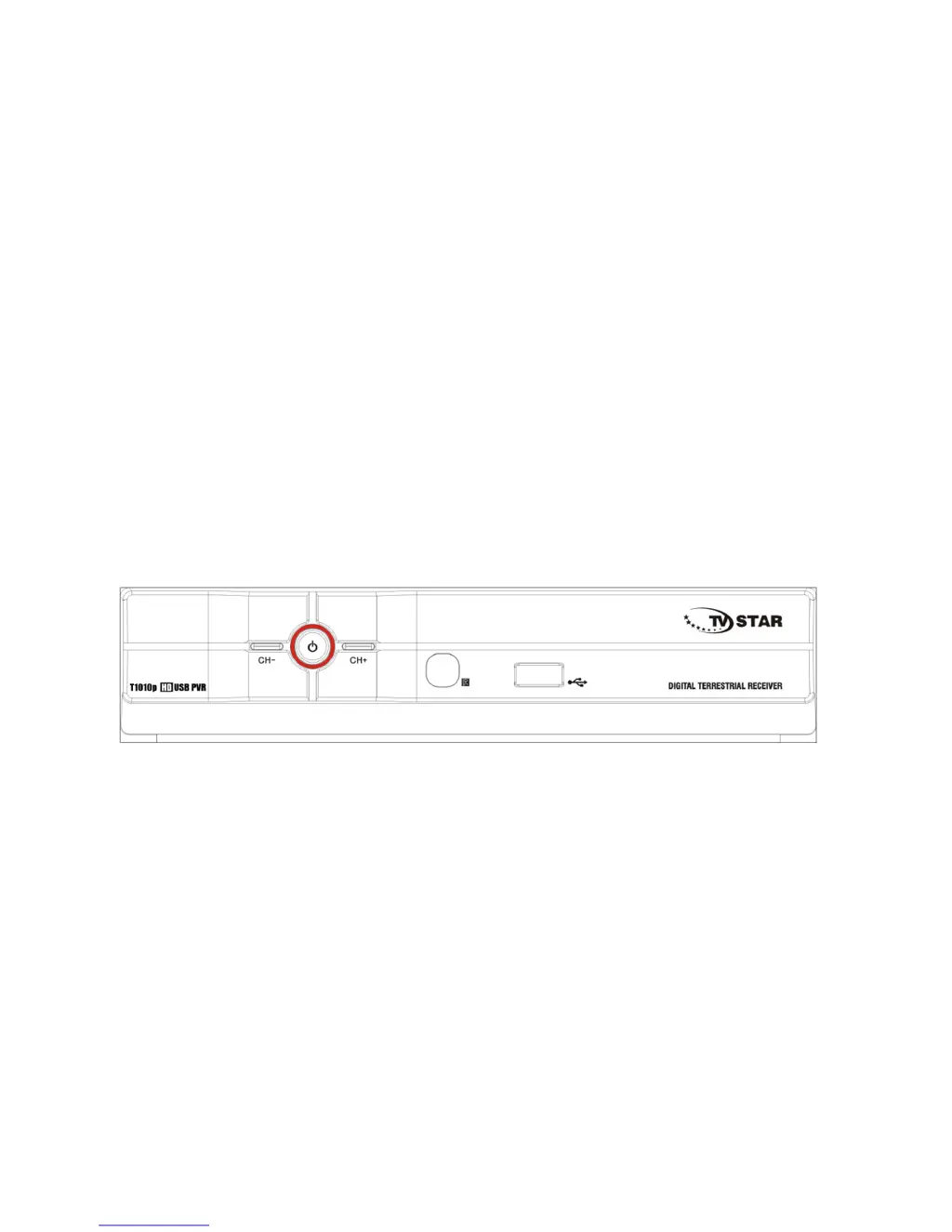
HIGH DEFINITION DIGITAL RECEIVER
FULL HD 1080p
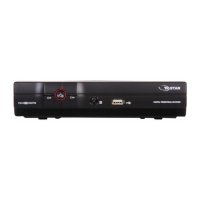
TV STAR T1010p HD USB PVR
USER MANUAL
ENG

Questions and Answers

  • J
    Jennifer PattersonJul 31, 2025
    Why is my TV Star Receiver showing ‘No Signal’?
    • C
      Christopher MurrayJul 31, 2025
      If your TV Star Receiver displays a ‘No Signal’ message, the issue might be with your DVB-T cable connection or a faulty aerial cable. Ensure the DVB-T cable is securely plugged in. Also, inspect the aerial cable and its connections to verify their integrity.
  • H
    hhernandezAug 8, 2025
    What to do if my TV Star T1010p Receiver remote control is not responding?
    • M
      Michelle TorresAug 8, 2025
      If the remote control for your TV Star Receiver isn't responding, the batteries may be exhausted; try replacing them. Also, ensure the remote control is pointed directly at the receiver and is close enough to the unit.
  • C
    Christopher HillAug 16, 2025
    What to do if there is no sound from my TV Star T1010p Receiver speaker?
    • M
      matthewdawsonAug 16, 2025
      If you're not getting any sound from your TV Star Receiver's speaker, it could be due to an incorrect audio cable connection. Ensure the audio cable is correctly connected. Alternatively, if the program is a radio program, press the key to switch to TV mode.
  • J
    John GrantAug 23, 2025
    How to fix a breaking up picture on TV Star T1010p Receiver?
    • W
      Wanda SmithAug 23, 2025
      If the picture on your TV Star Receiver is breaking up, the signal may be too weak. Check the aerial cable and its connections to ensure they are secure and in good condition.

Summary

Important Safety Instructions

Device Panels Overview

Remote Control Guide

Connecting the Receiver

Connecting to a Television

Explains how to connect the TV receiver to a television using composite or HDMI cables.

Initial Setup and Operation

First Time Installation

Guides users through the initial setup process, including language and channel selection.

Basic Operation and Channel Management

Covers program management, favorites, channel skipping, moving, locking, EPG, and sorting.

Picture and Channel Settings

USB and Multimedia Features

USB PVR Configuration

Details how to configure USB recording, including scheduling and subtitle options.

Timeshift and Troubleshooting

Troubleshooting Common Issues

Provides solutions for common problems like no picture, no signal, or remote control issues.

TV Star T1010p Specifications

General IconGeneral
BrandTV Star
ModelT1010p
CategoryReceiver
LanguageEnglish

Related product manuals