EasyManua.ls Logo

TVS LP 46 NEO - User Manual

TVS LP 46 NEO
42 pages
Print Icon
To Next Page IconTo Next Page
Loading...
Rev : A, Product Description : User Manual LP 46 Neo
U
U
S
S
E
E
R
R
S
S
M
M
A
A
N
N
U
U
A
A
L
L
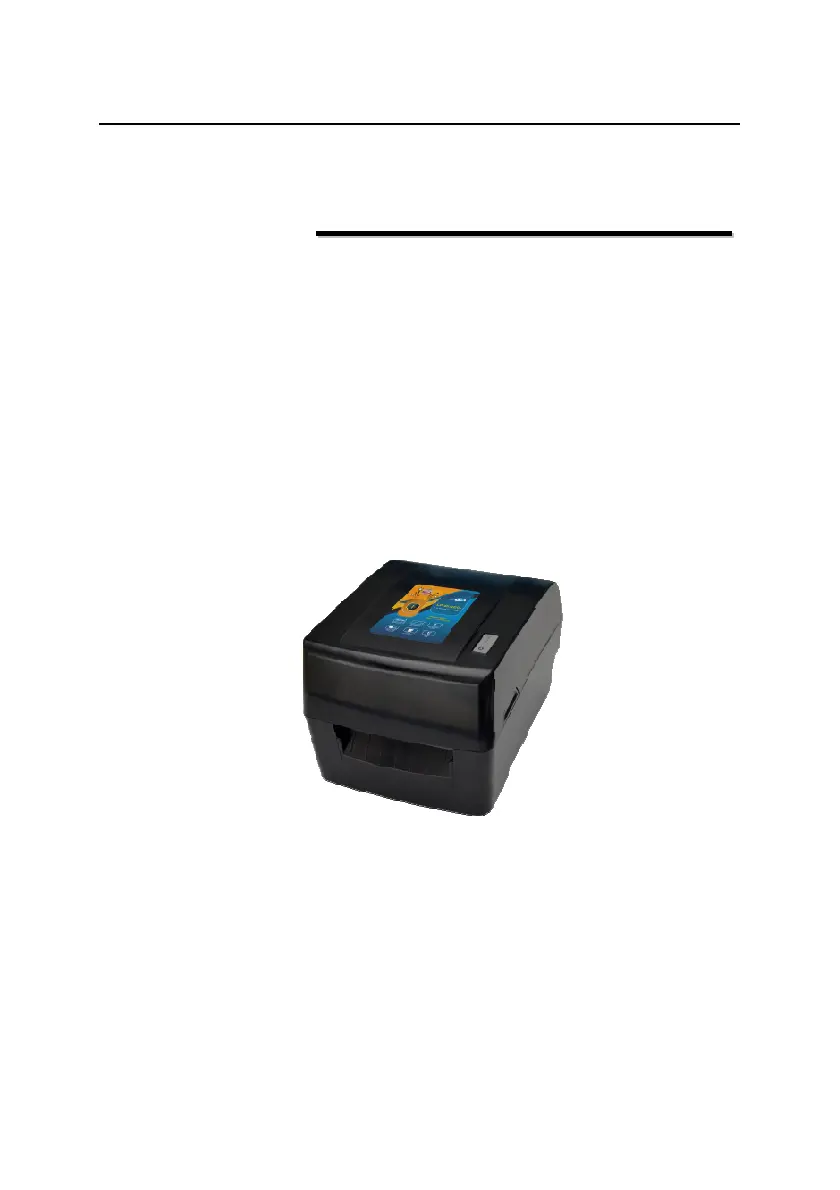
Barcode Printer
LP 46 NEO

Questions and Answers

  • G
    Gerald GarciaJul 27, 2025
    What to do if my TVS LP 46 NEO shows 'Paper End'?
    • L
      Lawrence JimenezJul 27, 2025
      If the TVS Barcode Reader indicates a 'Paper End' error, several issues could be the cause: * The paper roll may be used up or not installed. In this case, install a new paper roll. * There might be a paper jam. Clear the paper jam to resolve this. * The paper roll surface could be dirty or damaged. Skip the affected section of the roll. * The paper roll might not be correctly aligned with the mark sensor. Reinstall the paper roll. * The mark sensor surface could be dirty. Clean the mark sensor surface. * The reflective sensor position may be incorrect. Adjust the sensor position as described in section 3.4. * The paper roll type may not match the mark sensor type. Set the paper type in the printer driver to match the actual paper type.
  • E
    elopezJul 31, 2025
    What to do if my TVS LP 46 NEO says there is a lack of ribbon?
    • C
      Chris WareJul 31, 2025
      If your TVS Barcode Reader is showing a lack of ribbon, there are a few potential causes: * The ribbon may be used up, so install a new ribbon. * The ribbon could be jammed; clear the jam. * The ribbon sensor might have failed; replace the ribbon sensor.
  • J
    John KaiserAug 4, 2025
    Why is the printout from my TVS Barcode Reader unclear or stained?
    • S
      Stephanie ShortAug 4, 2025
      If the printout from your TVS Barcode Reader is unclear or has stains, consider the following: * The print head or platen roller may be dirty. Clean these components. * The paper you're using might not meet the requirements. Try using recommended paper. * The print darkness might be set too low. Increase the print darkness setting. * The paper may not be installed correctly. Ensure the paper roll is installed correctly.
  • H
    Holly SalasAug 9, 2025
    What to do if the print head is up on my TVS LP 46 NEO Barcode Reader?
    • A
      Allison MartinAug 9, 2025
      If the print head of your TVS Barcode Reader is up, it could be due to these reasons: * The print head is lifted up. Please press down the print head. * The micro switch has a failure. Contact the maintainer.
  • J
    Jeffrey WilliamsAug 13, 2025
    Why am I getting a mark location failure on my TVS Barcode Reader?
    • S
      sarahcabreraAug 13, 2025
      If you're experiencing mark location failure or mark calibration failure with your TVS Barcode Reader, consider these possibilities: * The paper type may not match the sensor type. Set the paper type in the printer driver to match the actual paper type. * There may be something wrong with the marked paper, such as no mark or an unclear mark. Use the required media. * Mark height is less than the required height.
  • T
    Tamara WarnerAug 17, 2025
    Why is the print head temperature abnormal on my TVS LP 46 NEO?
    • C
      Caitlin CookAug 17, 2025
      If your TVS Barcode Reader shows an abnormal print head temperature, it might be because the operating environment is too hot, causing the print head to overheat. Improve ventilation, and the printer should return to normal as the temperature drops.
  • X
    xnguyenAug 22, 2025
    What to do if paper jam causes overheating in my TVS LP 46 NEO?
    • G
      gregory15Aug 22, 2025
      If paper is jammed in the path of your TVS Barcode Reader, leading to heat accumulation and an overheated print head, clear the paper jam. After the print head cools down, check if the print head test pattern is normal. If it is, the printer can continue working; otherwise, replace the print head.

Summary

Printer Installation

Paper Roll Installation

Step-by-step instructions for opening the printer cover and loading the paper roll correctly.

Ribbon Installation

Procedures for installing the carbon ribbon, differentiating methods based on ribbon shaft diameter.

Start the Printer

Procedure for turning on the printer and initiating the automatic self-test sequence.

Mark Calibration

Steps to perform media calibration by pressing the button after power-on to ensure accurate printing.

Driver Setup

Guide for downloading and installing the printer driver software on the computer.

Printer Operations

Print Position Adjustment

Guide to adjust vertical and horizontal print positioning for accurate label output.

Routine Maintenance

Troubleshooting

Troubleshooting

Provides error messages, buzzer patterns, and LED flashes to diagnose and resolve printer malfunctions.

TVS LP 46 NEO Specifications

General IconGeneral
BrandTVS
ModelLP 46 NEO
CategoryBarcode Reader
LanguageEnglish