61
61
8. To locate the last parked location of your TVS
RONIN.
9. To know the signal strength of your mobile
network in connected instrument cluster (based
on smart phone OS version).
10. To generate and store Ride reports.
11. To sync the connected instrument cluster clock
with smart phone clock.
12. To access voice assist and voice feedback
functionality during connected rides.
13. To receive personalized messages and vehicle
alerts during connected rides.
This dedicated mobile app of your ‘TVS RONIN’ can
be downloaded from the Google Play and the Apple
store by searching the key word ‘TVS CONNECT’
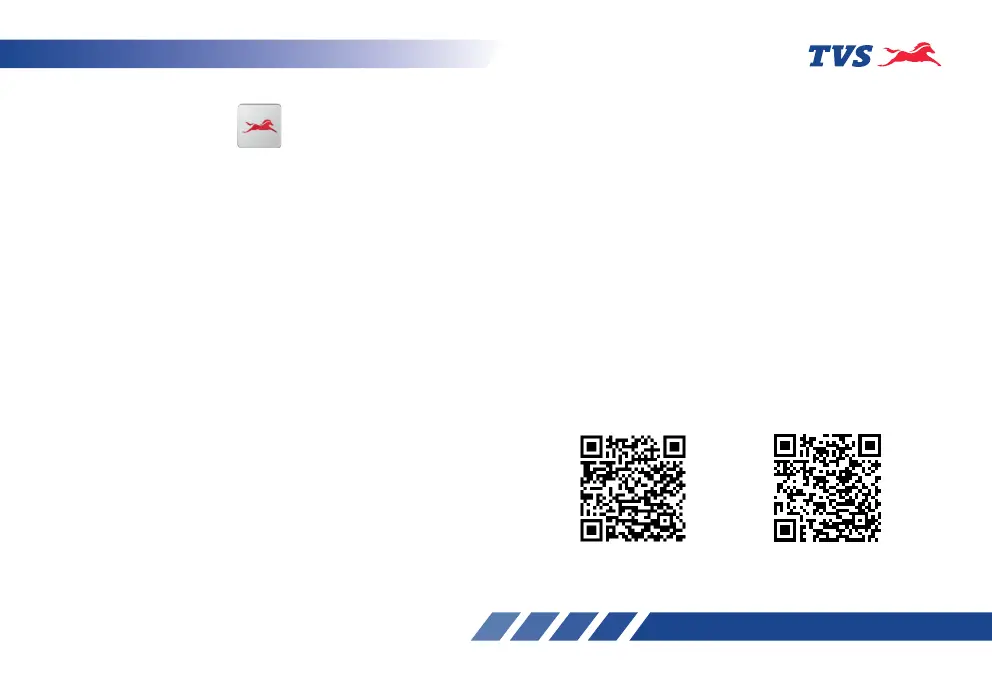
else by scanning the below QR code.
Android
iOS
TVS CONNECT APP
Dedicated smart phone app is available in the Google
Play and the Apple store for your ‘TVS RONIN’ and
it can be installed in your Android smart phones and
iPhones. To access the features of your TVS RONIN’s
connected instrument cluster like:
1. Incoming call alerts in connected instrument
cluster.
2. Number of missed call alerts and unread
messages in connected instrument cluster.
3. Battery status of your smart phone in connected
instrument cluster.
4. To send auto reply SMS to the callers via smart
phone (applicable only for Android smart phones).
5. ‘Do Not Disturb’ mode during the connected ride
(applicable only for Android smart phones).
6. To send navigational assist instructions inputs
to the connected instrument cluster from your
smart phone.
7. To save the last traveled route.














 To Next Page