Daytona Twin Tec LLC, 933 Beville Road, Suite 101-H, S. Daytona, FL 32119 TCFI Log
(386) 304-0700 www.daytona-twintec.com
10/2007
Page 8
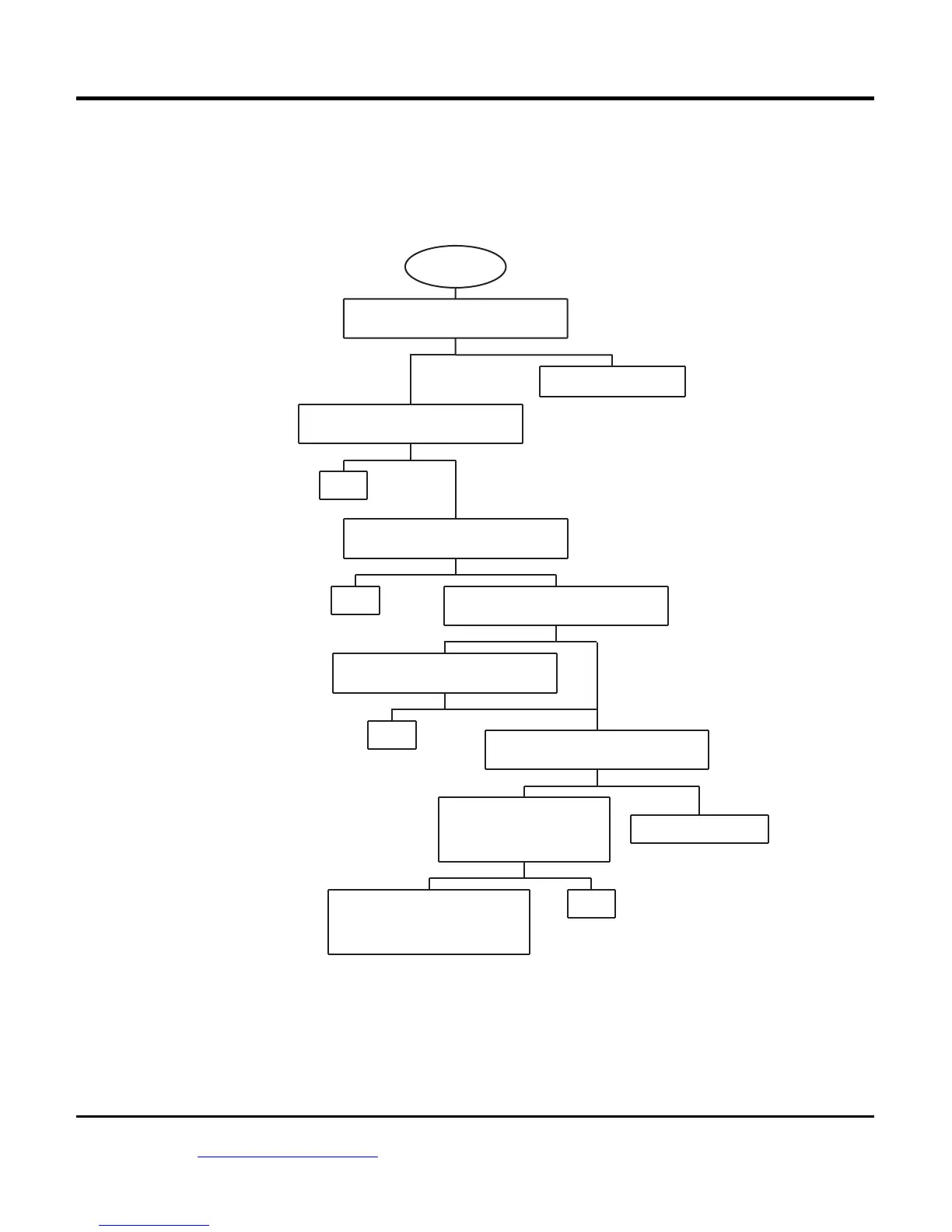
TROUBLESHOOTING FLOWCHART
Follow the troubleshooting flowchart below.
Experience has shown that most communication
problems are user error or PC compatibility issues.
Troubleshooting Flowchart
NOYES
STARTING
POINT
IS RS-232 TIMEOUT ERROR MESSAGE
DISPLAYED WHEN ATTEMPTING
DOWNLOAD OR UPLOAD?
FOR MISC PROBLEMS,
CALL TECH SUPPORT.
YES NO
USE WINDOWS DEVICE MANAGER TO
VERIFY THAT CORRECT COM PORT IS
SELECTED. IS PROBLEM FIXED?
CALL TECH SUPPORT
YES
FIRST TIME USE OF USB ADAPTER THAT
WAS SUPPLIED BY A THIRD PARTY (NOT
SOLD AS PART OF OUR SYSTEM)?
NO
OTHER SOFTWARE ON PC THAT USES
COM PORT SUCH AS PALM PILOT OR
DIGITAL CAMERA?
DONE
YES NO
NO YES
DISABLE OTHER SOFTWARE.
PALM PILOT - MAKE SURE
HOT SYNC ICON DOES NOT
APPEAR IN SYSTEM TRAY.
IS PROBLEM FIXED?
USE ANOTHER PC OR UNINSTALL
OFFENDING SOFTWARE. IN SOME
CASES YOU MAY HAVE TO RELOAD
WINDOWS. CALL TECH SUPPORT
FOR FURTHER INFORMATION.
DONE
YES NO
USB ADAPTER MAY BE INCOMPATIBLE.
REPLACE USB ADAPTER (REFER TO
INSTRUCTIONS). IS PROBLEM FIXED?
DONE
DONE
YES NO
CYCLE ENGINE RUN/STOP SWITCH.
VERIFY CHECK ENGINE LIGHT
ILLUMINATED. IS PROBLEM FIXED?


 To Previous Page
 Loading...