28
PROPORTIONAL CONTROLS – Operation and Functions (Refer to diagrams)
POWER ON/OFF – Power to the control unit is controlled via the master On/Off button.
Power ON – Rotate button to Power on the Control Unit (button will ‘spring’ out).
Power OFF – Press button in to Power off or for Emergency Stop.
LEVER FUNCTIONS
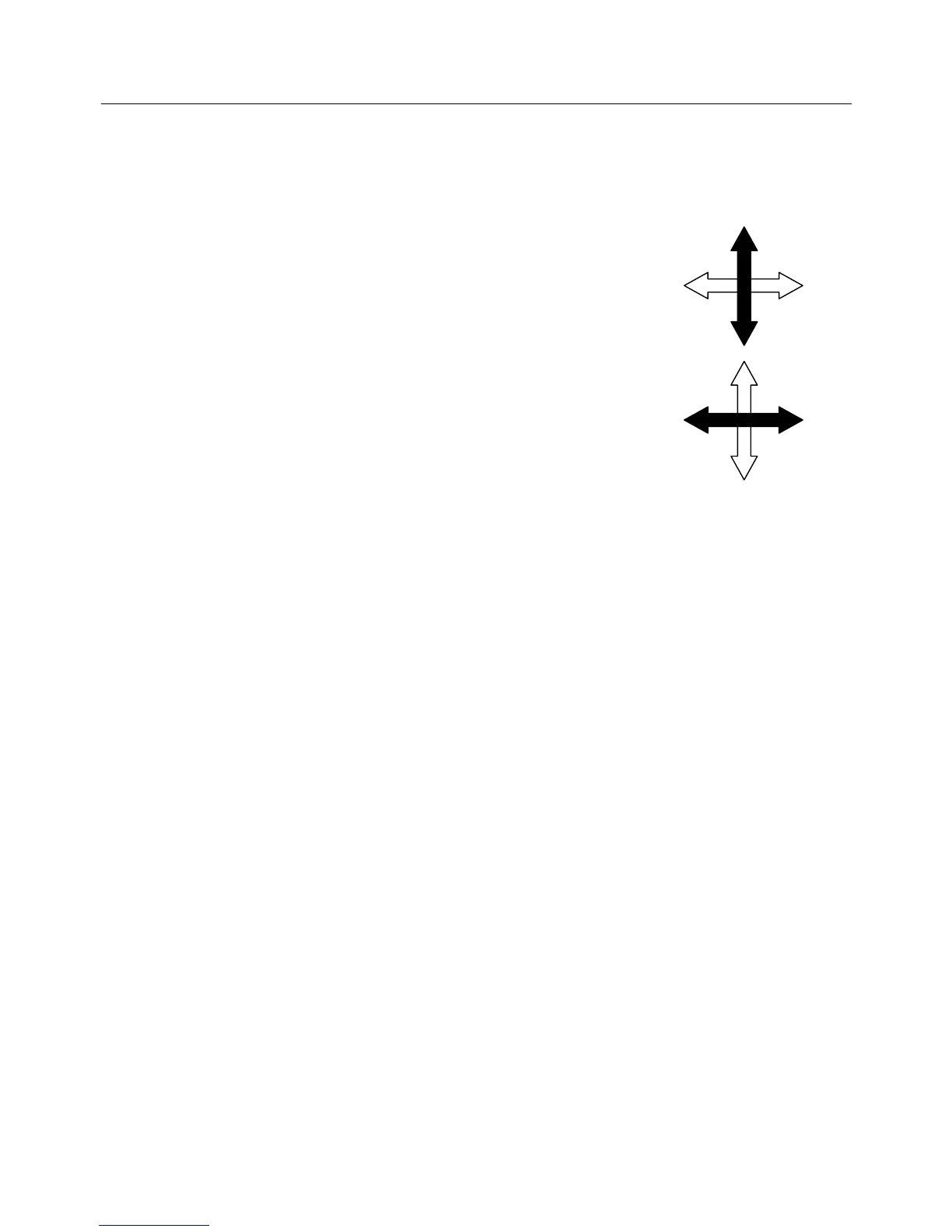
1. Lever - Movement of the lever in a ‘Forward’ and ‘Backward’
direction operates the Main Arm:
Forwards – Lowers the Main Arm.
Backwards – Raises the Main Arm.
2. Lever - Movement of the lever in a ‘Sideways’ direction operates
the Dipper Arm:
Left – Moves Dipper Arm away from the operator.
Right – Moves Dipper Arm towards the operator.
SWITCH FUNCTIONS
3. Head Angle Switch – a ‘Thumb’ operated rocker switch for adjustment of the head
angle:
Left – Lowers the ‘Outer’ end of the flail head and raises the ‘Inner’ end.
Right – Raises the ‘Outer’ end of the flail head and lowers the ‘Inner’ end.
4. Slew Switch – a ‘Trigger finger’ operated rocker switch for slew operation:
Down – Slews the machine into the ‘working’ position.
Up – Slews the machine into the ‘transport’ position.
Note: this function can be utilized for repositioning the machine to work in difficult
positions such as corners and for negotiating around, or avoiding, obstacles.
BUTTON FUNCTIONS
5. Midcut Buttons (Cranked Arm models only) – ‘press and hold’ buttons for positioning
of the Midcut/Cranked Arm – movement is dictated by the length of time the buttons
are held.
Left Button – Straightens the Cranked Arm away or out of the ‘Midcut’ position.
Right Button – ‘Cranks’ the Arm towards or to the ‘Midcut’ position.
Note: On Standard Arm models these Midcut buttons serve no function.
6. Head Angle Float Button – ‘press select and deselect’ toggle button for Head Angle
Float function – mode selection indicated by red l.e.d. light.
Press Button – Selects Head Angle Float mode (red light on).
Press Button – Deselects Head Angle Float mode (red light off).
7. Lift Float Button - ‘press select and deselect’ toggle button for Lift Float function –
mode selection indicated by red l.e.d. light.
Press Button – Selects Lift Float mode (red light on).
Press Button – Deselects Lift Float mode (red light off).
Lift Float sensitivity is adjusted by means of the 10 turn analogue dial mounted on the
control console– sensitivity is increased or decreased depending on direction rotated.



 To Next Page