12
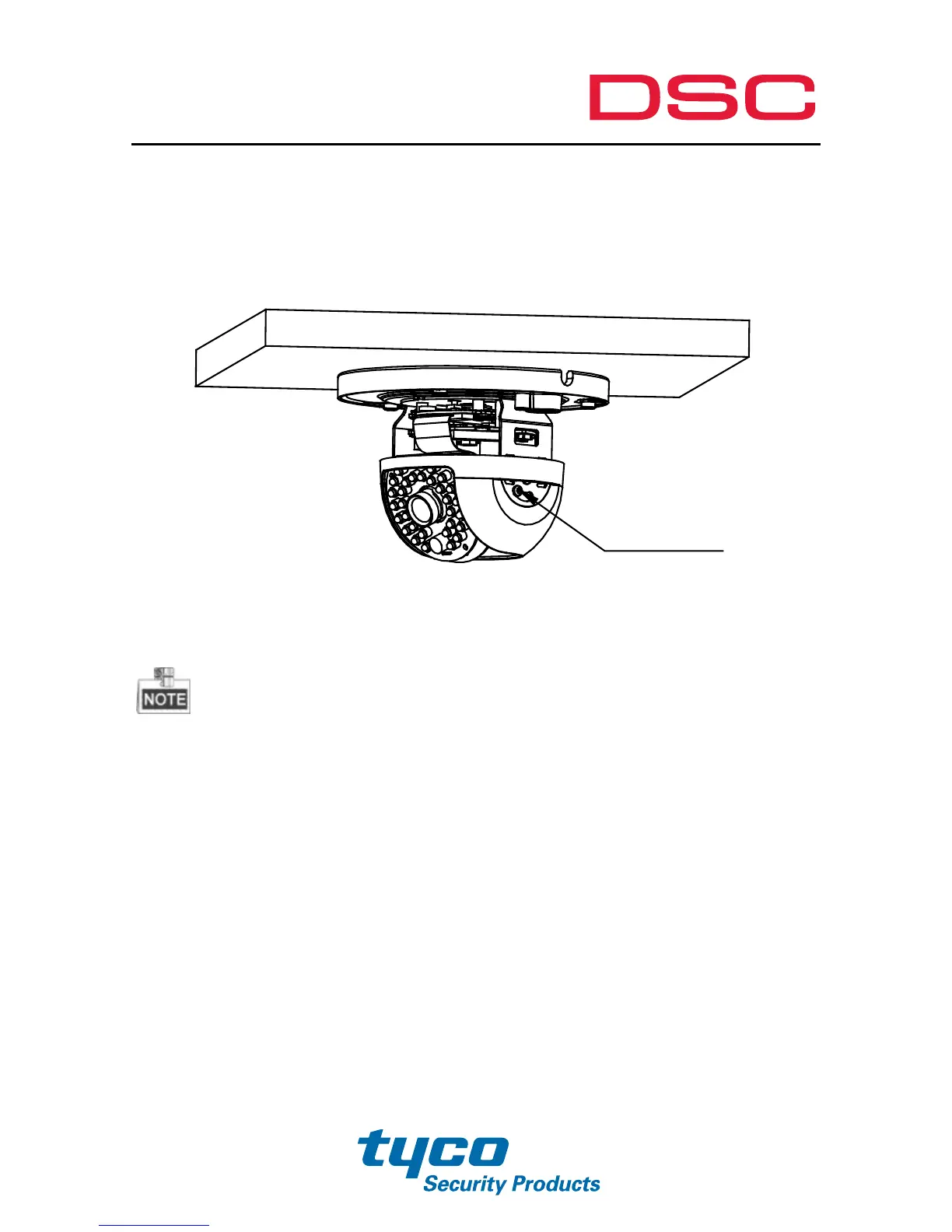
Hold the black linerand rotate it to adjust the pan
position[0~360°].
Remove the black liner and rotate the camera to adjust the
azimuthangle [0~360°].
Figure 2-5 3-axis Adjustment
As the lens has already been factory adjusted to the best imaging effect, you just
need to adjust the pan position and tilt position to get the desired surveillance
angle.
Reinstall the bubble and tighten the screws.



 To Next Page