EasyManua.ls Logo

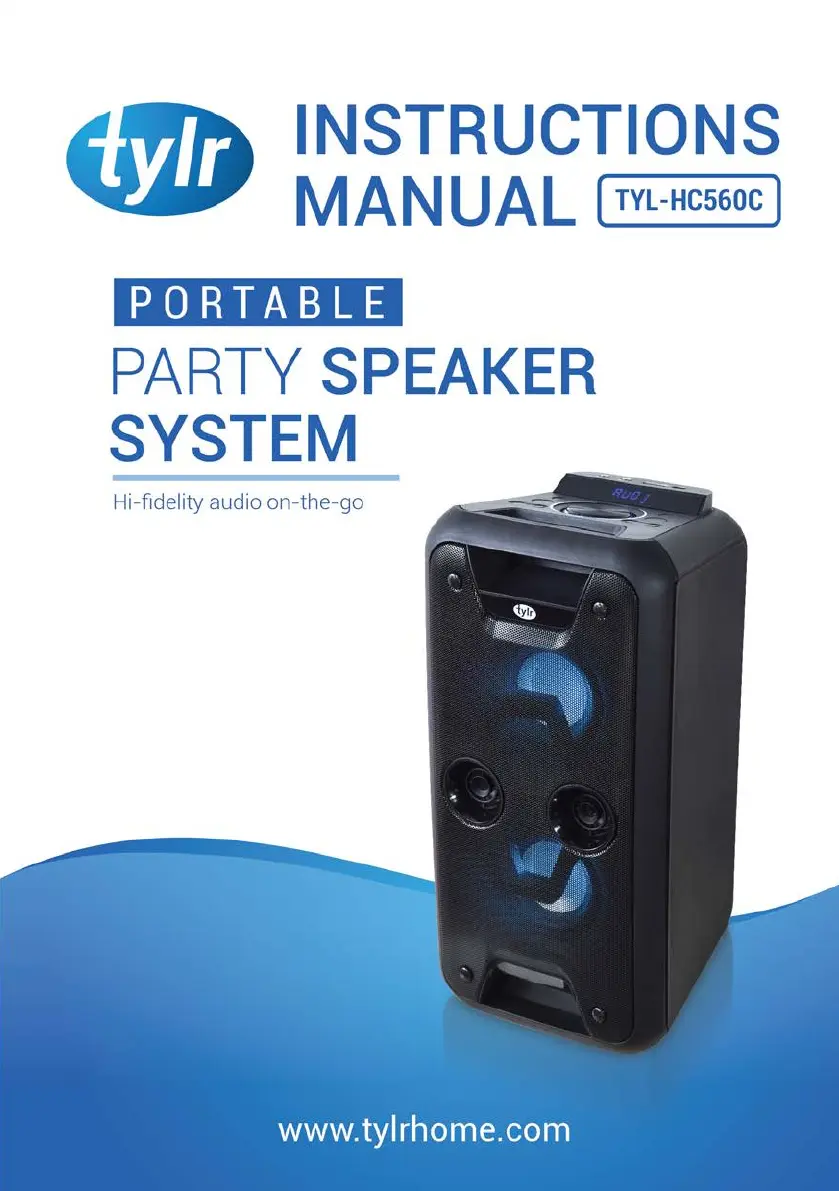
tylr TYL-HC560C - User Manual

tylr TYL-HC560C
19 pages
Print Icon
To Next Page IconTo Next Page
Loading...

Questions and Answers

  • C
    Chase CortezAug 11, 2025
    What to do if my tylr TYL-HC560C have no sound?
    • S
      Sara AlexanderAug 11, 2025
      If your tylr Speakers are not producing any sound, there might be several reasons. First, check if the volume is properly adjusted on the unit or the remote control. Ensure that you have selected the correct audio source or function. Also, verify that the source device is turned on and the volume isn't set too low. If an audio file is paused, press the Play/Pause button on either the remote or the unit's control panel. Finally, if you're using a Bluetooth device, restart the unit and try pairing the device to the speaker again.
  • J
    jessicaphillipsAug 22, 2025
    Why do my tylr TYL-HC560C Speakers get warm when playing at high volume?
    • P
      Patrick JenkinsAug 22, 2025
      It's normal for tylr Speakers to become warm after playing at high volume for an extended period. If this happens, turn the unit off for a while or lower the volume.
  • E
    erin66Aug 31, 2025
    How to turn on the microphone on tylr TYL-HC560C?
    • M
      Matthew McconnellAug 31, 2025
      To turn on the microphone on your tylr Speakers, locate the On/Off switch on the handle and flick it to the On position.

tylr TYL-HC560C Specifications

General IconGeneral
Brandtylr
ModelTYL-HC560C
CategorySpeakers
LanguageEnglish