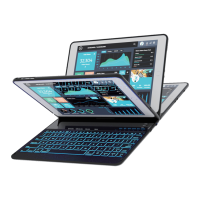
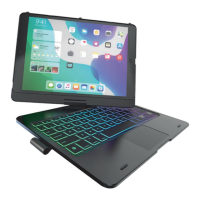
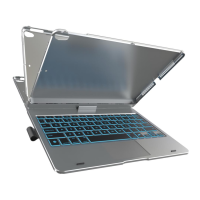
SETUP
To pair with your iPad:
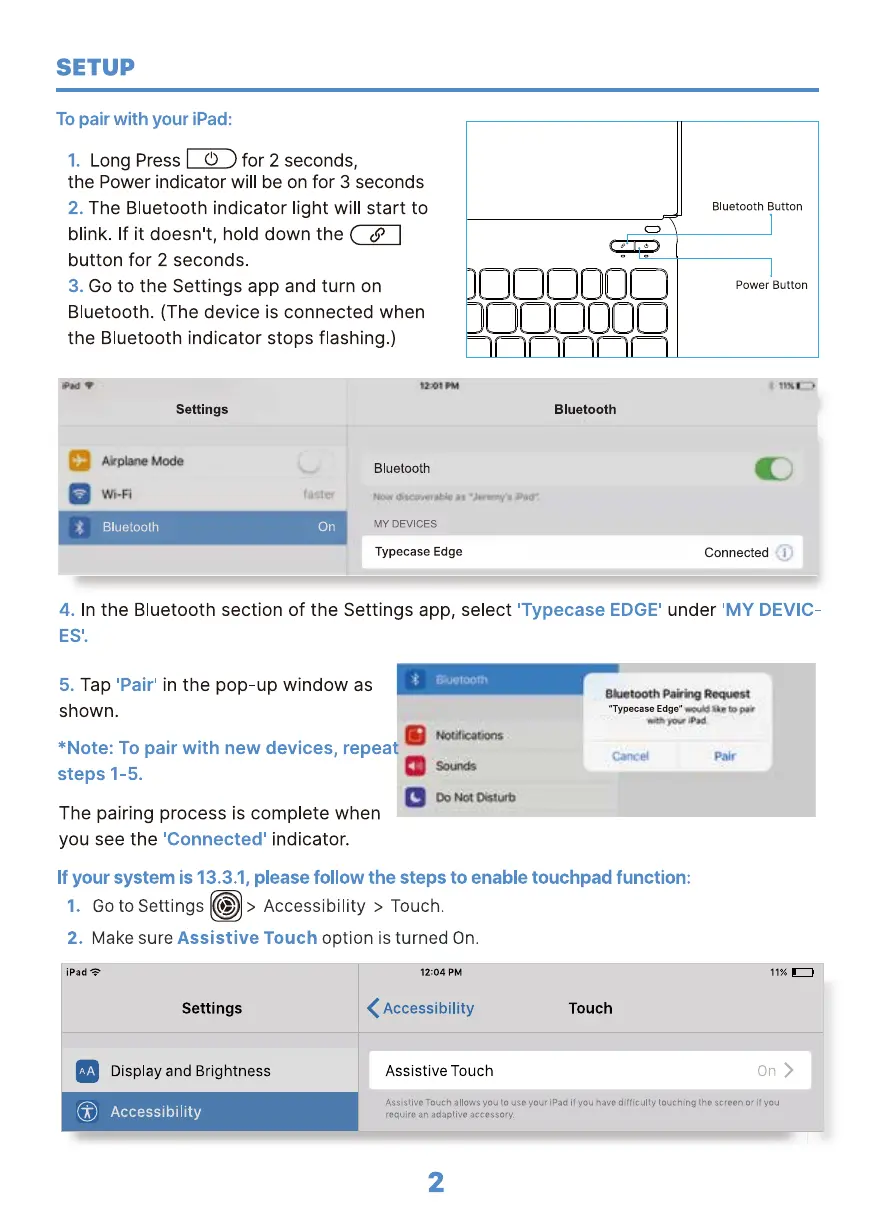
Long Press for 2 seconds,
1.
the Power indicator will be on for 3 seconds
The Bluetooth indicator light will start to
2.
blink. If it doesn't, hold down the
button for 2 seconds.
Go to the Settings app and turn on
3.
Bluetooth. (The device is connected when
the Bluetooth indicator stops flashing.)
000000
oooooo
Settings
Akplme Mode
- Bluetooth On
Bluetooth
Bluetooth
MY DEVICES
Typecase Edge
Bluetooth Button
Power Button
Connected
4.
In the Bluetooth section of the Settings app, select
ES'.
Tap 'Pair' in the pop-up window as
5.
shown.
*Note: To pair with new devices, repeat
steps 1-5.
The pairing process is complete when
you see the 'Connected' indicator.
'Typecase EDGE'
under 'MY DEVIC-
"Typecase Edge"
If your system is 13.3.1, please follow the steps to enable touchpad function:
1. Go to Settings (D > Accessibility > Touch.
2. Make sure Assistive Touch option is turned On.
iPad
Settings
Display and Brightness
@ Accessibility
12:04 PM
< Accessibility
Assistive Touch
Touch
11% •
On >
Assistive Touch allows you to use your iPad if you have difficulty touching the screen cr if ycu
require an adaptive accessory.
2


 To Next Page