5
We recommend to clean the mouse pad with a damp cloth. A small amount of detergent can be
added to the water. Squeeze all excess water out of the cloth prior to cleaning. Wipe the mouse
pad to dry.
Mouse pad
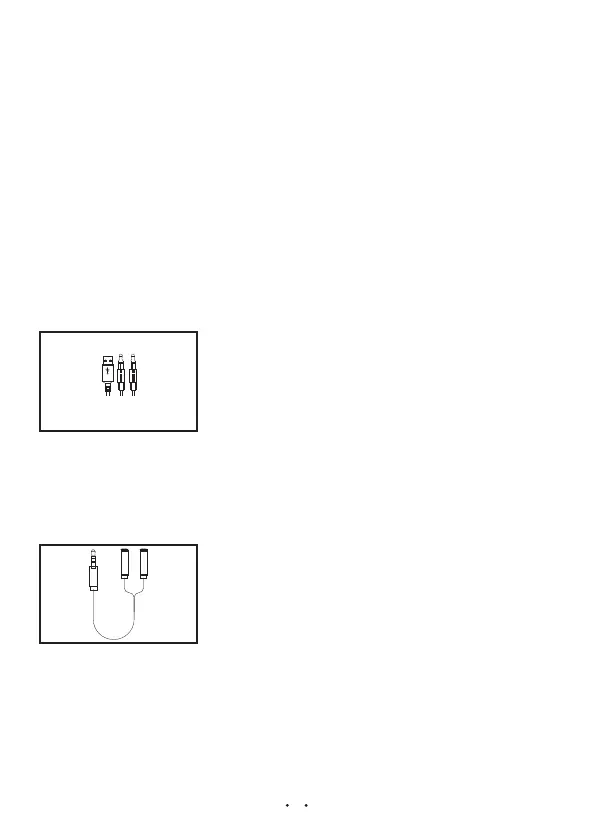
2 in 1 Adaptor
Solving the problem that the headphone can not be connected
to a computer that only has a single 3.5mm earphone jack.
Headset
Installation
Note: You need to plug in the 3.5mm audio cable into computer for
PLUG AND PLAY
audio and microphone. The USB powers the LED lighting only.


 To Next Page