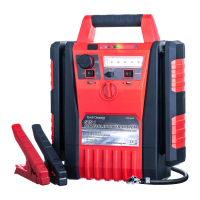
USB POWER PORT
You may operate the USB port and DC sockets at the same time.
1. Connect a user-supplied USB cable to the USB power port on the Battery Jumper.
2.
Press the battery status button,USB power port will be working.
3. When charge is complete,
disconnect the USB cable from the
WORKLIGHT
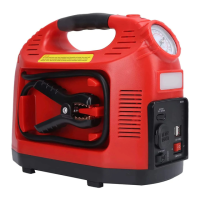
You may operate the worklight and DC sockets at the same time.
1.
Press the
Worklight Switch.
2. The 5 LEDs will illuminate.
3. Turn the light off when it is not in use.
Battery Jumper
.


 To Next Page