- 48 -
2. Cutter Maintenance
In general, the printer will initial and reset the cutter when
turn on the power. To reset the cutter back to the initial
position:
1. Turn off the printer.
2. Turn on the printer and the printer will initial and reset
the cutter.
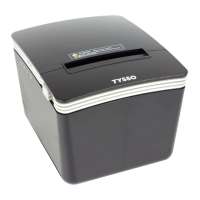
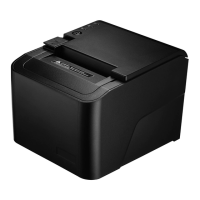
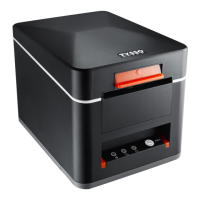
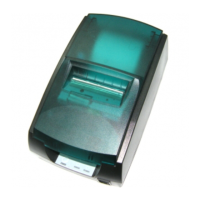
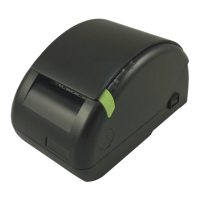
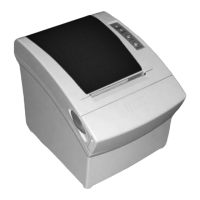
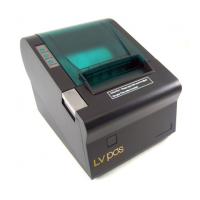
User can manually reset the cutter back to initial position
(as images illustrated):
1. Push the Cover Release Button to open the Cover.
Examine and remove the paper dust from the printer
by using a soft brush.
2. Push the Front Cover and remove it from the printer.
3. There is an Adjustment Gear in the cutter.
Turn the Adjustment Gear to move the cutter back to
the position.


 To Next Page