EasyManua.ls Logo

U.S. Products maxg - User Manual

Default Icon
80 pages
Print Icon
To Next Page IconTo Next Page
Loading...
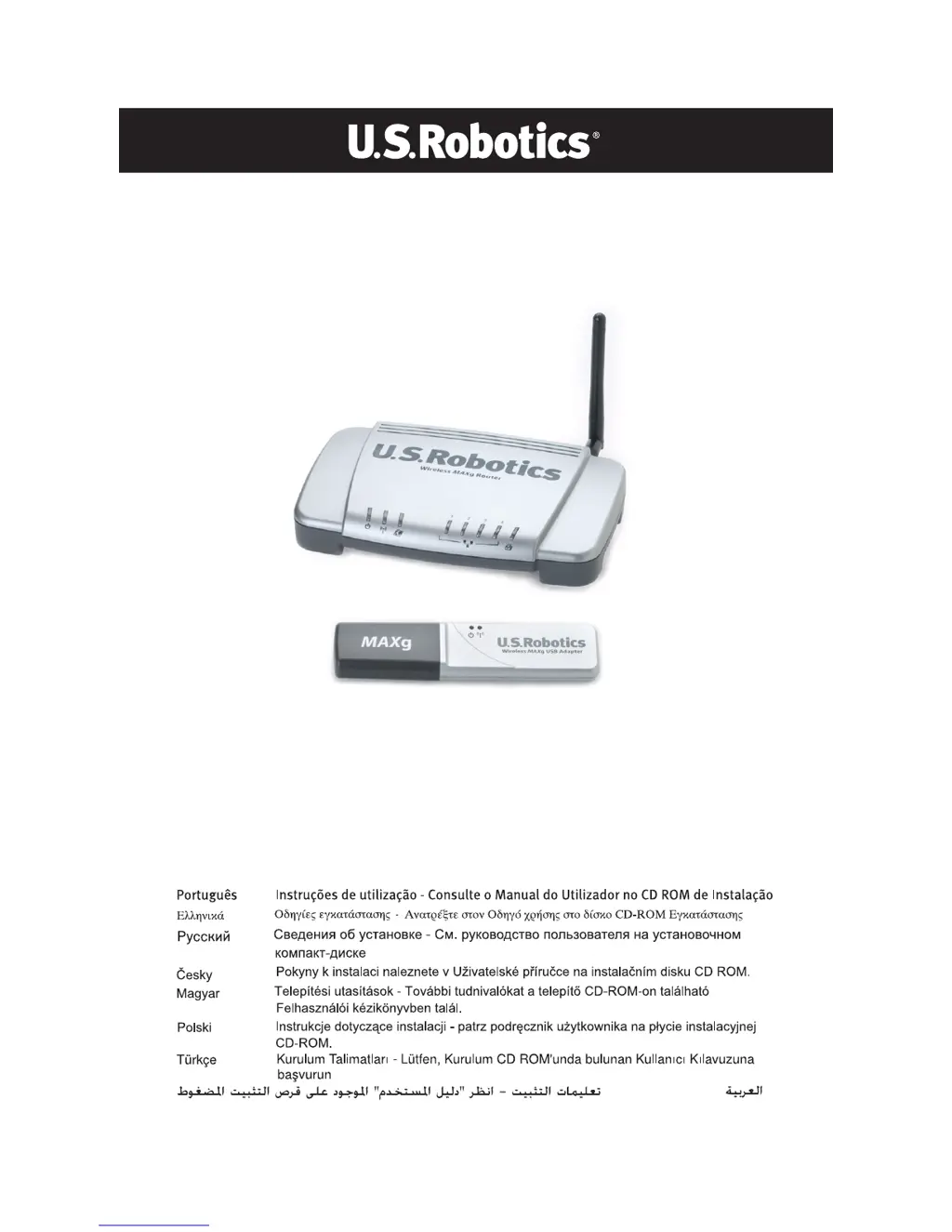
Wireless MAXg Router and
Wireless MAXg USB Adapter
Quick Installation Guide
Guide d'installation rapide
Installationsanleitung
Guida all'installazione rapida
Guía breve de instalación
Beknopte installatiegids
R24.0555.00
rev 1.1 10/05

Questions and Answers

  • J
    Jay WarnerJul 29, 2025
    What to do if my U.S. Products maxg is not connecting to the internet?
    • P
      Pamela PhillipsJul 29, 2025
      If your U.S. Products Network Router isn't connecting to the internet, ensure your computer is close enough to the router to receive a signal and that there are no obstructions interfering with the signal, such as a microwave oven or a concrete wall. Also, check that the wireless utility is using the correct network name and security settings for your router. If you have enabled MAC filtering, ensure your computer is permitted to connect to the router. You can also try releasing and renewing your computer’s network connection. If none of these work, try a wired connection using an Ethernet cable. If the router's web interface doesn't appear, restarting the router might help. If the router still cannot obtain a WAN IP address, there may be a problem with the cable/DSL modem or your ISP.

Summary

Installing the Router and Wireless USB Adapter

Package Contents and Preparation

Details the items included in the package and necessary preparations before installation.

Connecting the Wireless MAXg Router

Guides on physically connecting the Wireless MAXg Router to your modem and computer.

Installing the Wireless MAXg USB Adapter

Step-by-step instructions for installing the Wireless MAXg USB Adapter.

Setting Up the Wireless Network

Configuration steps to establish and secure your wireless network.

USB Printer Setup and Verification

Connecting Printer to Router

Instructions for connecting a USB printer to the Wireless MAXg Router.

Configuring and Verifying Printer

Steps to set up and confirm the printer is working via the network.

Troubleshooting Connectivity and Performance

Diagnosing Internet Access Failures

Diagnosing and resolving problems preventing internet access.

Verifying Device Connection Steps

Verifying computer-router connection and router responsiveness.

Troubleshooting Network Path

Diagnosing issues between router-modem and modem-ISP connections.

Addressing Setup and Performance Issues

Addressing common setup errors, interface problems, and wireless quality.

Additional Support Information

Technical Support Resources

Information on obtaining technical assistance and product support.

U.S. Products maxg Specifications

General IconGeneral
BrandU.S. Products
Modelmaxg
CategoryNetwork Router
LanguageEnglish