EasyManua.ls Logo

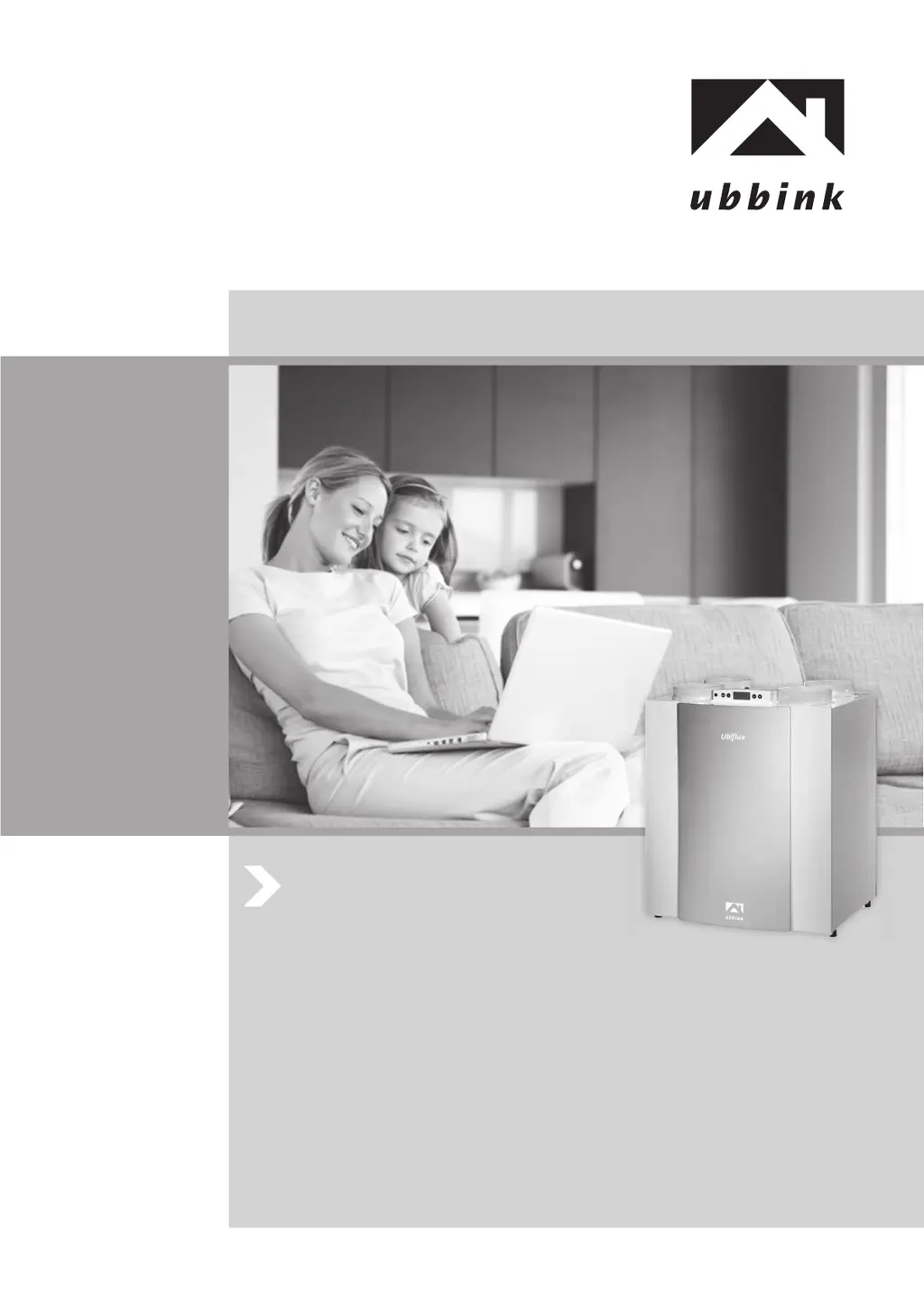
ubbink Ubiflux W400 + - User Manual

ubbink Ubiflux W400 +
192 pages
Go to English
Print Icon
To Next Page IconTo Next Page
Loading...
Ubiflux W300 (+) / W400 (+) / W450 (+)
Bewaren bij het toestel
Store near the appliance
Bitte beim Gerät aufbewahren
A conserver près de l’appareil
editie 2015 / edition 2015 / Ausgabe 2015 / édition 2015

Table of Contents

Questions and Answers

  • T
    tcalhounAug 8, 2025
    What to do if ubbink Ubiflux W400 + fans are not controlled correctly?
    • B
      Brooke FordAug 8, 2025
      If the fans in your ubbink Heating System aren't being controlled correctly, the issue might stem from the pressure hoses. First, check the pressure hose connections to ensure they are connected as prescribed. Also, inspect them for leaks or blockages.
  • W
    Wesley JonesAug 23, 2025
    Why does my ubbink Ubiflux W400 + show error E999?
    • T
      trogersAug 23, 2025
      Error E999 on your ubbink Heating System indicates that the mounted control board is either unsuitable for the appliance or the dip switches on the control board are set incorrectly. To resolve this, check whether the dip switches are set as shown in the drawing of the dip switches settings. If the error persists after verifying the dip switch settings, replace the control board with the correct type.

Summary

3 Version

3.1 Technical Information

Provides detailed technical specifications for Ubiflux W300, W400, and W450 models.

3.2 Fan Graphs

Presents fan performance curves showing airflow rate vs. static pressure for different models.

3.4 Connections and Dimensions

Illustrates connection points and overall dimensions for right-handed versions.

1 Delivery

1.1 Scope of Delivery

Lists all components included in the heat recovery unit package.

4 Operation

4.3 Frost Protection

Details the intelligent frost control system protecting the heat exchanger.

5 Installation

5.1 Installation General

Outlines general steps and prerequisites for installing the appliance.

5.5 Electric Connections

Covers connecting the power plug and multiple switches or control units.

6 Display

6.3 Settings Menu

Guides users through modifying set values for optimal performance.

7 Putting into Operation

7.2 Setting Air Flow Rate

Guides on adjusting air flow rates for different ventilation capacities and modes.

8 Fault

8.1 Trouble Shooting

Provides guidance on identifying and resolving appliance faults indicated by symbols or codes.

9 Maintenance

9.1 Filter Cleaning

Details the procedure for cleaning or replacing the unit's air filters.

10 Electric Diagrams

11 Electric Connections Accessories

12 Service

13 Setting Values

ubbink Ubiflux W400 + Specifications

General IconGeneral
Brandubbink
ModelUbiflux W400 +
CategoryHeating System
LanguageEnglish

Related product manuals